Cross-Play
supports full cross-play with players on PC, PlayStation, Xbox, and Nintendo Switch. Mobile players can join the same missions, clans, relays, and squads as users on other platforms.
Cross-Save
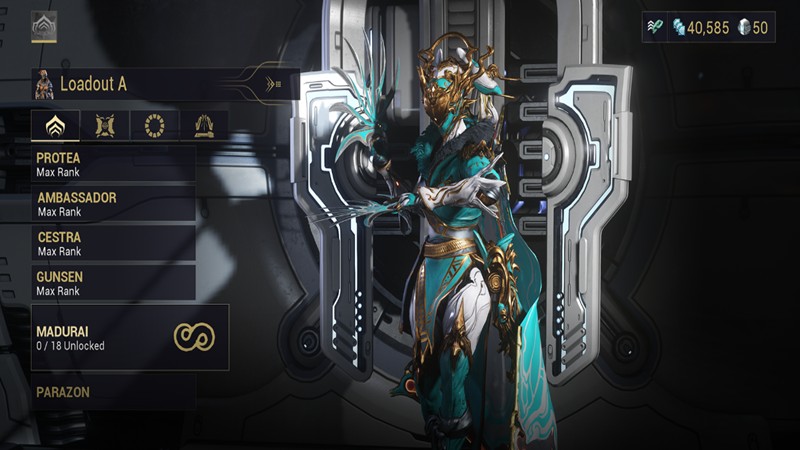
Warframe includes cross-save support through your Warframe account You can link and play on other devices and use the same account progression, Warframes, weapons, inventory, and purchases across platform and devices.
Touch Controls & Controller Support
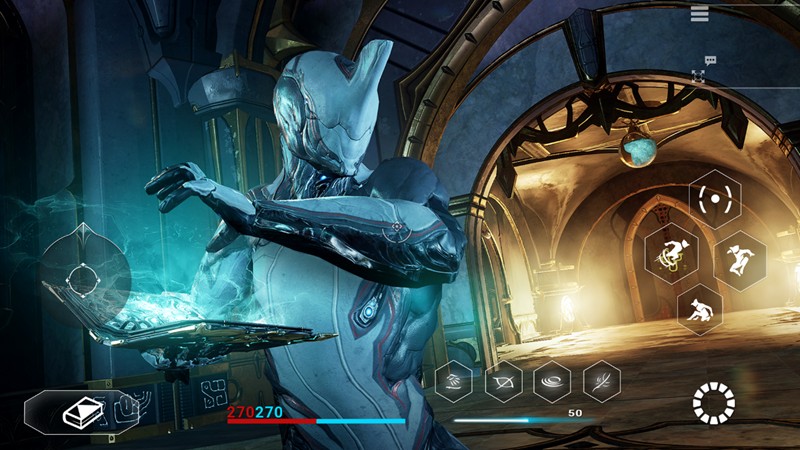
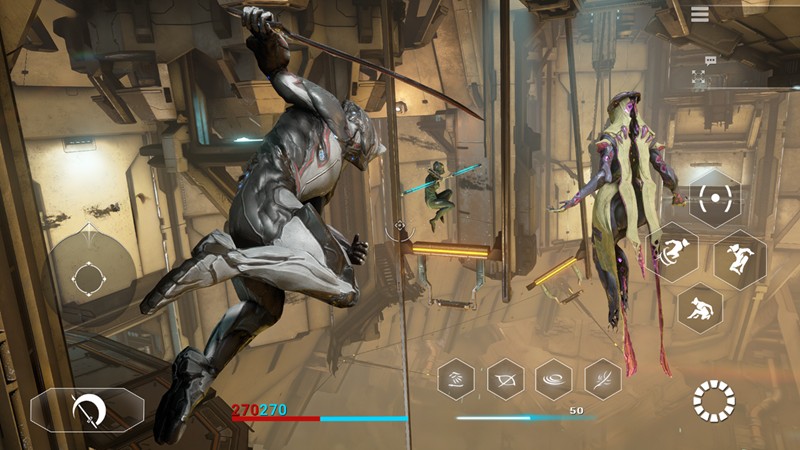
Mobile version features a fully customized touch-control system designed specifically for smartphones and tablets. Also supports external Bluetooth and USB controllers on compatible devices.
Same Content As PC/Console
The mobile version is not a simplified spin-off; it delivers the same core Warframe experience found on PC. Players have access to the main story quests, open worlds, Warframes, weapons, missions, events, and updates.