
ASSAULT CUBE Mobile Version (Android)
AssaultCube Android delivers a classic FPS experience with online multiplayer, offline bots, and low system requirements. However, there is currently no official iPhone version, and the Android release does not officially support cross-play with PC players
Assault Cube Android Features
Offline-Bots
Multiplayer Battles
Touch Controls
Game Modes
Assault Cube Android Requirements
Android Requirements
OS: Android Version 7.0 or newer
CPU: Any Basic Quad core processor
RAM: 2GB
STORAGE: 100MB
Mobile Performance Reality Check
What to consider
AssaultCube can run on Android phones that are several years old. If your device can handle everyday apps and light 3D games, the processor is almost certainly powerful enough to run AssaultCube smoothly.
Assault Cube Android Performance & Lag Fixes
• Use a stable internet connection.
• Try gaming VPN if you experience routing or server-related latency issues.
• Lower graphics setting & close background apps.
• Use a game booster.
If you want to avoid experiencing lag, high ping, or unstable connections, a gaming VPN can help improve routing to game servers.
A game booster app can help reduce background processes and free system resources, and to make device priorotize game perfomance.
Assault Cube Android Gameplay Screenshots
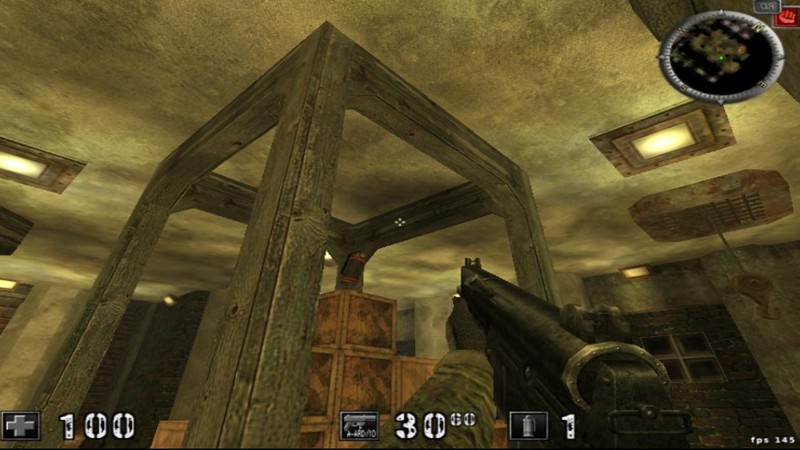

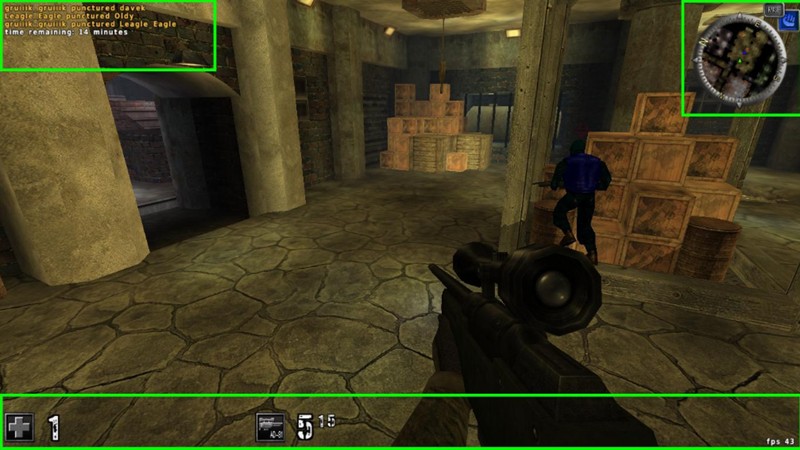
- This page focuses only on the mobile version. For complete info for PC, see our full warframe guide.