
War Robots Mobile Version (Android & iPhone[iOS])
War Robots Mobile Features
Real-Time 6v6 Battles
Multiple Game Modes
Regular Events And Rewards
Touch Controls & Controller Support
The game is designed with responsive touch controls optimized for mobile devices. On supported Android and iOS devices, compatible Bluetooth controllers can also be used for a more traditional gaming experience.
Cross-Platform Progress
War Robots supports account synchronization through services such as Google Play Games, Apple Game Center, Facebook, or Pixonic accounts depending on your platform.
Good Quality Graphics
War Robots features detailed 3D environments, realistic weapon effects, and customizable graphics settings, allowing players to balance visual quality and performance based on their device.
War Robots Mobile Requirements
Android Requirements
OS: Android 11.0 or newer
CPU: Quad-core 64 -bit
RAM: 6-8GB
STORAGE: 5GB
iPhone (iOS) Requirements
OS: iOS 17 or later
SUPPORTED iPHONE MODELS: From iPhone 11 or newer
STORAGE: 5GB
Mobile Performance Reality Check
What to consider
Modern versions of War Robots are much more demanding than they were a few years ago. Budget phones with only 4 GB RAM may experience lower frame rates, longer loading times, and occasional stuttering during large battles. Mid-range and flagship devices with 6 GB or more RAM deliver a much smoother experience, especially when using higher graphics settings.
War Robots Mobile Performance & Lag Fixes
• Use a stable internet connection.
• Close background apps before starting the game.
• Keep at least 2GB extra space.
• Lowers screen resolution or refresh rate if performance drops.
• Use a game booster.
If you want to avoid experiencing lag, high ping, or unstable connections, a gaming VPN can help improve routing to game servers.
A game booster app can help reduce background processes and free system resources, and to make device priorotize game perfomance.
War Robots Mobile Game Images

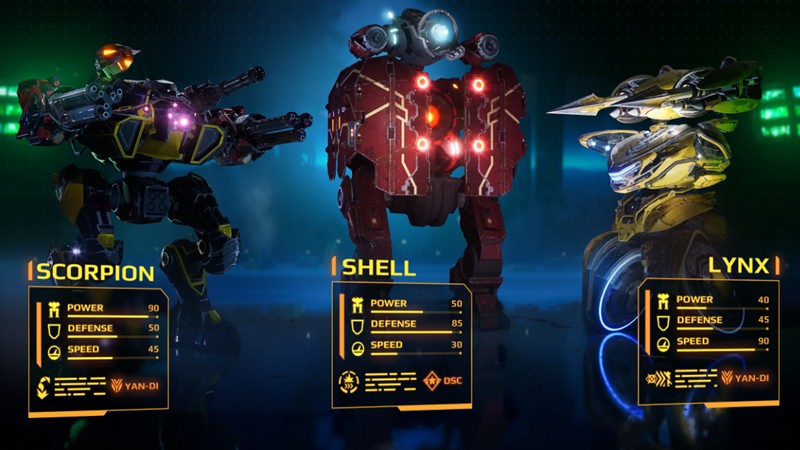
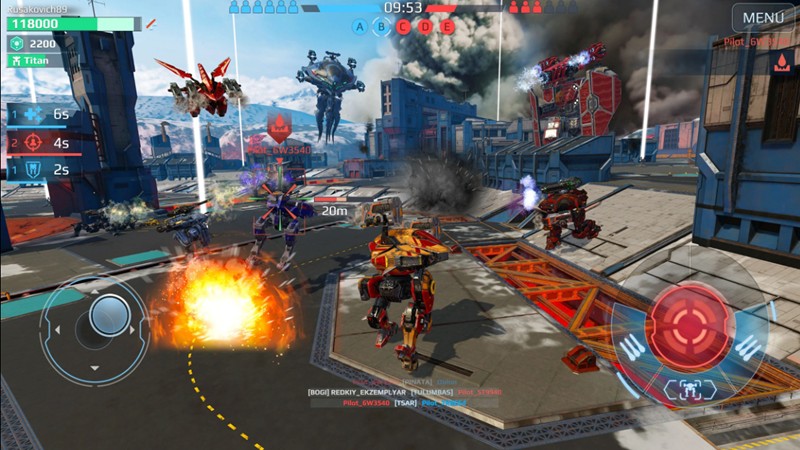
- This page focuses only on the mobile version. For complete info for PC, see our full War Robots guide.