
WARFRAME (PC, Mobile, Console)
Review, System Requirements & Download Guide
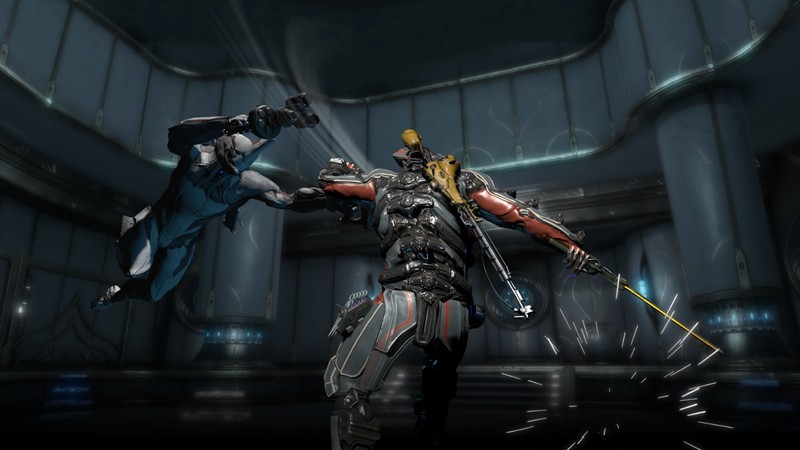
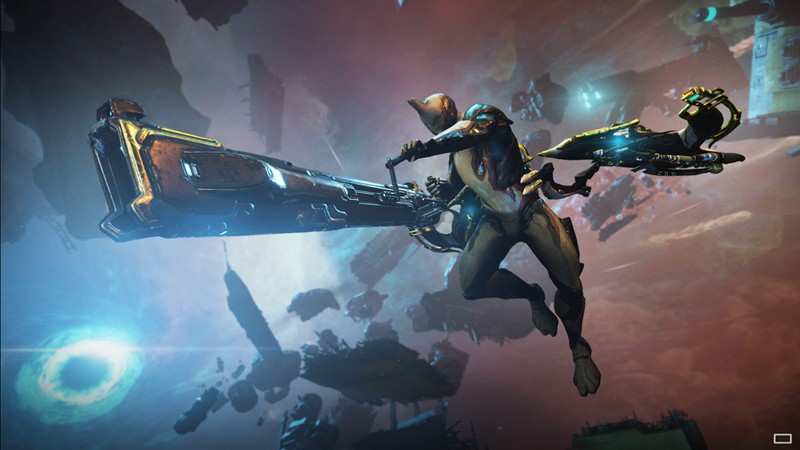
Warframe is a fast-paced, free-to-play online action game where the gameplay is all about speed, movement, and stylish combat. You can run on walls, slide across the ground, and jump through the air while using swords, guns, and special abilities to defeat enemies. Each mission feels like a mix of shooting and acrobatic movement, giving players a smooth and exciting experience.
The game focuses on cooperative gameplay, where you can team up with other players or play solo while still connected online. You will complete missions, upgrade your character, collect weapons, and unlock new abilities over time.
Who Should Play WARFRAME
TPS & Shooter Fans
Progressive Oriented
Co-op Players
gameplay can be better with friends or random team mates great if you like online teamwork which you can enjoy coordinating with friends or online teammates.

Genre: Action Shooter
Mode: Online
Storage: 50GB
Price: Free to play
How to start playing
If you have a Steam account, Click “Play On Steam” Download free, install and play directly from there.
If you do not have a steam account;
- Click play on steam
- Follow given steps to create steam account
- Install and play the game from there
Gameplay Screenshots

System Requirements
Minimum Requirements
OS: Windows 7/10 (64-bit)
CPU: Intel i5 750M / AMD FX-4100
RAM: 4GB
GRAPHICS: Any basic direct X 11 graphics
DIRECTX: 11 Capable graphics card
STORAGE: 50GB
Recommended Requirements
OS: Windows 7/10 (64-bit) or better
CPU: Core i7 860 / AMD FX 4100
RAM: 8-16GB
GRAPHICS: NVIDIA GTX 660 / Radeon HD 7870 Or better
DIRECTX: 11
STORAGE: 50GB
Low-Spec Reality Check
What to consider for low-end PCs
Installing this game on SSD instead of HHD Is better to facilitate for smooth game performance
A 4-8GB RAM + Intel HD 4000/620 can run the game on low settings with good optimization tweaks.
Players on 8GB RAM & INTEL UHD or other decent GPUs can manage to play smoother on low/medium settings.
Newer versions of Intel (UHD/Iris) is preferable.
Check OPTIMIZATION TIPS to know how to set the best settings for smooth game experience
Can't Run This Game? Here's What You Can Do
If your pc does not meet the requirements, too slow, crash , lags, stutter, or fail to launch. You can try other options to still enjoy similar gameplay experience.
Try This Quick Fixes And Test
– Install on SSD preferably
– Lower to minimum graphics and resolution(1280×720) or lower
– Disable shadows and effects
– Use High performance mode in windows
– Update Drivers (GPU driver, DirectX + Visual C++ redistributables
– Close all apps running in background
Other Options To Try
If the game can’t run well and you really want the experience, you could try other lighter alternatives like similar Mobile Games, or even better by using Cloud Gaming which allows to stream play even games your PC can not handle on its own
Play On Smart Phone And Similar Mobile Phone Versions Games Like WARFRAME
Play by cloud or other games. Even With Very Low End PCs
Optimization Tips
How to optimise settings for smooth gameplay
Gameplay Tips
Tips and tricks you can try while playing WARFRAME
How To Download & Start Playing
Check different ways to access the game and choose what suits you
Official Method
Similar Games

Counter Strike
Free to play

Call Of Duty 4: MW
Paid : Check price

Vallorant
Free to play