
STAR CONFLICT: DREADOUTS
Review, System Requirements & Download Guide
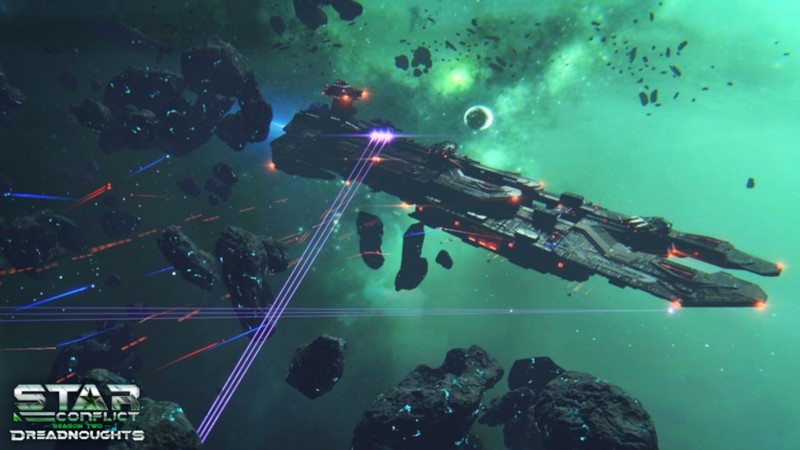
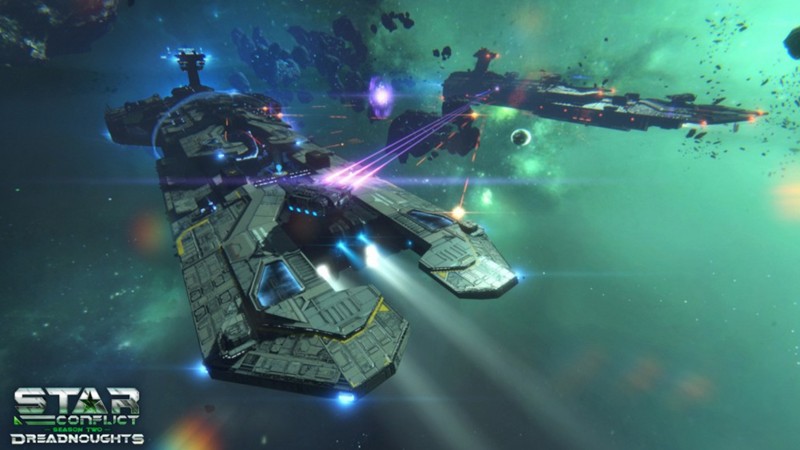
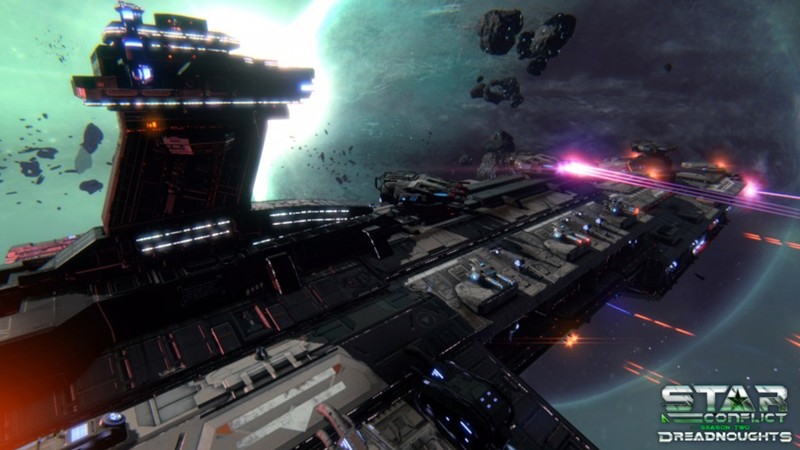
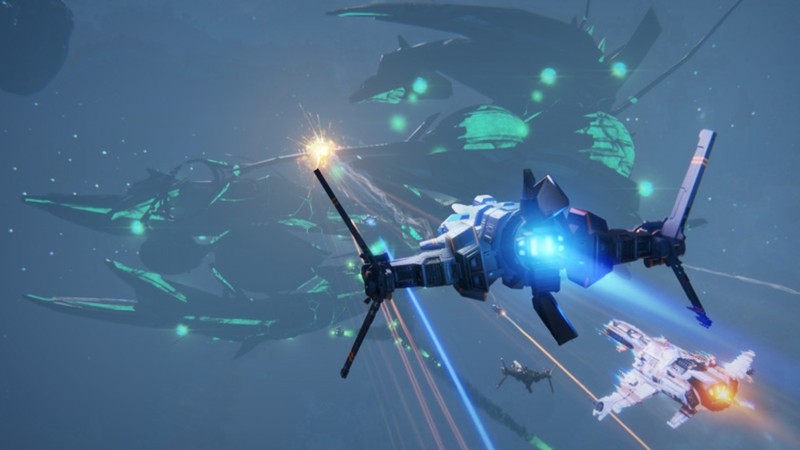
Star Conflict is a free-to-play space combat MMO that combines fast-paced starship battles with deep RPG progression. Pilot a variety of customizable ships, equip powerful weapons and modules, and engage in intense PvP and PvE missions across a massive sci-fi universe. Choose from multiple ship classes, each offering unique combat roles and tactical advantages. Team up with other players to capture objectives, complete cooperative missions, or dominate large-scale online battles. Whether you enjoy competitive multiplayer or upgrading your fleet, Star Conflict delivers strategic space warfare with stunning visuals and action-packed gameplay.
Important Note: Star Conflict’s official servers shut down on October 9, 2026. The game has been preserved in an autonomous version that lets players host a local server and play alone or with friends.
Who Should Play STAR CONFLICT
Space Combat Lovers
Players who enjoy piloting ships, dogfighting, and mastering movement in 3D space. They like fast reaction gameplay and controlling different ship types in intense battles.
Progressive Players
layers who enjoy unlocking ships, upgrading modules, and building powerful loadouts. They focus on long-term grind and optimizing their fleet for better performance.
Casual Gamers
Players looking for quick matches and simple space shooting fun without deep learning curves. They usually play for short sessions but still enjoy progression and variety.
SCI-FI MMO Fans
They enjoy immersion in futuristic settings with ongoing battles and territory control.
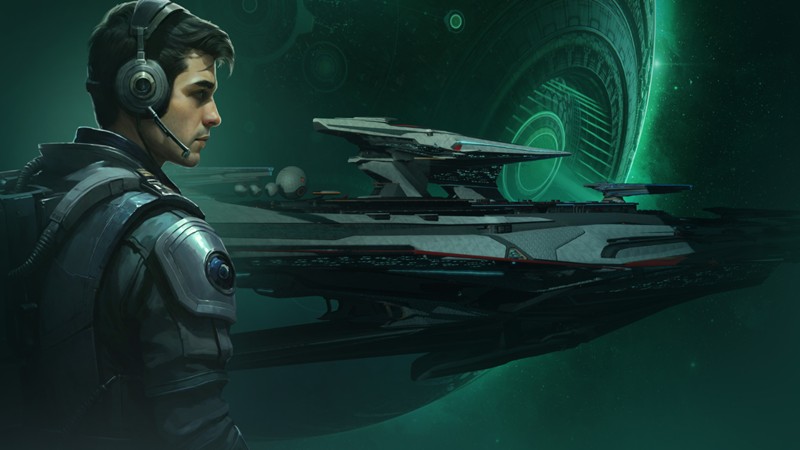
Genre: Space Combat MMO
Mode: Online
Storage: 10GB
Price: Free to play
How to start playing
If you have a Steam account, you can install and play directly from there.
If you do not have a steam account;
- Click play on steam
- Follow given steps to create steam account
- Install and play the game from there
Gameplay Screenshots
System Requirements
Minimum Requirements
OS: Windows 10, (64-bit)
CPU: Intel Core 2 Duo 2.3 GHz or similar AMD CPU
RAM: 4GB
GRAPHICS: 512 MB VRAM (Intel HD 3000 / HD 4000 supported)
STORAGE: 8GB
Recommended Requirements
OS: Windows 10, 11 (64-bit)
CPU: Intel Core i5 or better
RAM: 6GB
GRAPHICS: 1 GB VRAM (GTX 650 / Radeon HD 5750 or better)
STORAGE: 9GB
Low-Spec Reality Check
What to consider for low-end PCs
Installing the game on SSD will improve the game performance
This game runs on very low-end PCs, but performance depends heavily on the intensity of space battles. Intel HD 4000/5000 can handle it at low settings around 25–40 FPS in small fights, but large PvP battles will drop below 25 FPS. Intel HD 620/UHD 620 gives a smoother experience (40–60 FPS low/medium) and is the real “comfortable minimum.”
4GB RAM systems can run it, but expect stutters and long loading times during match transitions.
The game is more GPU-bound in combat-heavy scenes, so lowering effects and particle quality makes the biggest difference.
Check OPTIMIZATION TIPS to know how to set the best settings for smooth game experience
Can't Run This Game? Here's What You Can Do
If your pc does has any issues with this game, too slow, crash, lags, stutter, or fail to launch. You can try other options to still enjoy similar gameplay experience.
Try This Quick Fixes And Test
- Lower resolution to 1280×720 (720p) for a big FPS boost
- Set graphics preset to Low/Minimum (turn off shadows first)
- Disable post-processing, motion blur, and anti-aliasing
- Reduce effects/particles (important during big battles)
- Close background apps (Chrome, Discord, downloads)
- Switch to fullscreen mode for better performance stability
- Update GPU drivers (Intel/NVIDIA/AMD)
- If possible, install on an SSD to reduce loading stutter
Other Options To Try
If the game isn’t smooth and you really want the experience, you could try other lighter alternatives like similar Mobile Games, or even better by using Cloud Gaming which allows to stream play even games your PC can not handle on its own.
Play On Smart Phone And Similar Mobile Phone Versions Games Like STAR CONFLICT
Stream Play any game or more richer games by Cloud. Even With Very Low End PCs
Optimization Tips
How to optimise settings for smooth gameplay
Gameplay Tips
Tips and tricks you can try while playing STAR CONFLICT
How To Download & Start Playing
Check different ways to access the game and choose what suits you
Official Methods
Related Games

World Of Warships
Free to play
War Thunder
Free to play

War Robots
Free to play