
WAR THUNDER
Full Review, System Requirements & Download Guide
War Thunder is a free-to-play military combat game that lets you command authentic tanks, aircraft, helicopters, and naval warships in massive online battles. Set across different historical eras, it features realistic vehicle physics, detailed damage models, and strategic combined-arms warfare. Players can choose from hundreds of vehicles belonging to multiple nations, each with unique strengths and playstyles. Whether you prefer aerial dogfights, armored ground combat, or naval engagements, War Thunder offers a deep and rewarding multiplayer experience. The game includes multiple modes ranging from accessible arcade battles. With competitive progression, and cross-platform play, good for both casual players and military history enthusiasts.
Who Should Play War Thunder
Military History Fans
Players who enjoy real military vehicles, historical battles, and realistic combat will appreciate War Thunder’s extensive collection of aircraft, tanks, helicopters, and warships. The game emphasizes historical accuracy while still delivering engaging gameplay.
Competitive PvP Players
If you enjoy testing your skills against real opponents, War Thunder offers intense multiplayer battles where teamwork, map awareness, and tactical decision-making are key to victory.
Vehicle Collectors
Players who like unlocking, upgrading, and mastering a wide variety of vehicles will find hundreds of military machines from different nations to research. Every vehicle has unique strengths, weaknesses, and customization options.
Strategic Gameplay Lovers
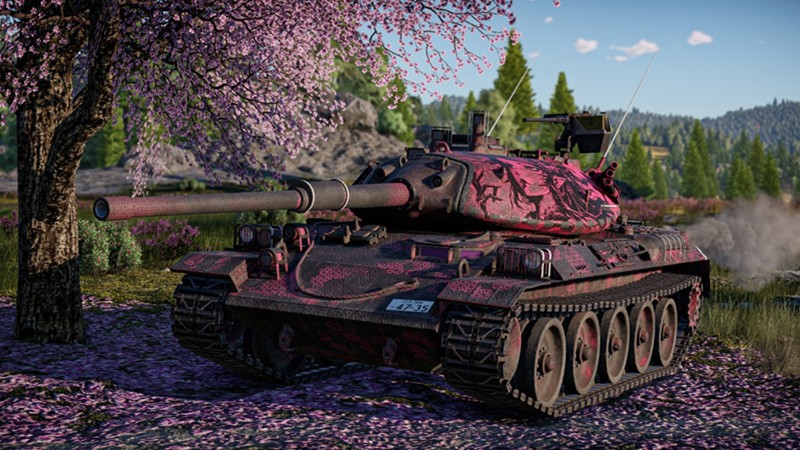
Genre: Military Combat (MMO) Simulation
Mode: Online
Storage: 60GB
Price: Free to play
How to start playing
If you have a Steam account, you can install and play directly from there.
If you don not have a steam account;
- Click play on steam
- Follow given steps to create steam account
- Install and play the game from there
Gameplay Screenshots
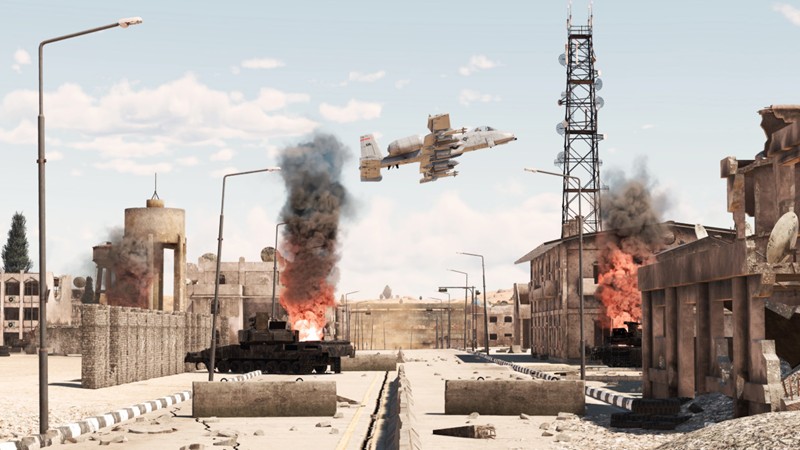
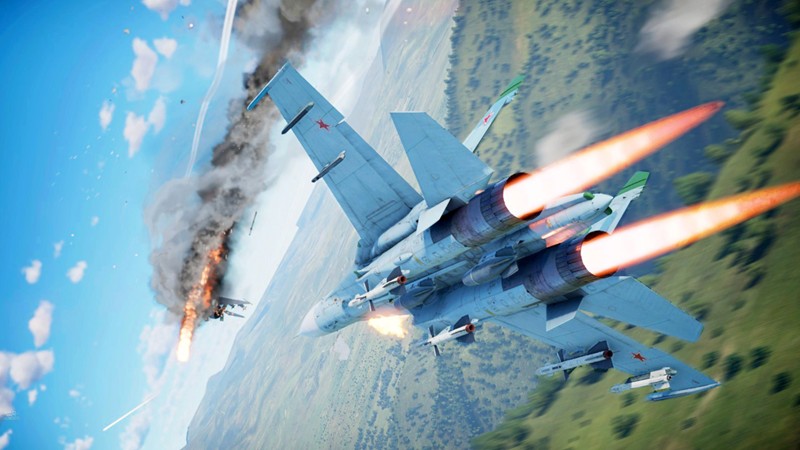
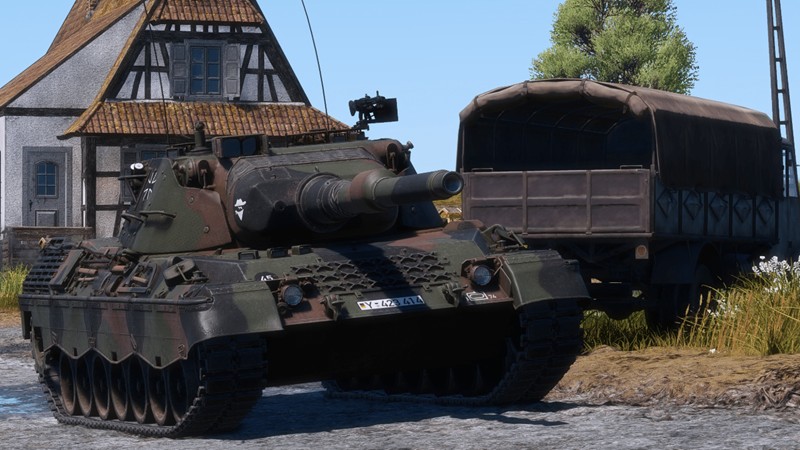
System Requirements
Minimum Requirements
OS: Windows 10, (64-bit)
CPU: Dual-Core 2.2 GHz
RAM: 8GB
GRAPHICS: 512 MB VRAM (Intel HD 3000 / HD 4000 supported)
STORAGE: 60GB
Recommended Requirements
OS: Windows 10, 11 (64-bit)
CPU: Intel Core i5/i7 (10th Gen or newer) or AMD Ryzen 5/7
RAM: 16GB
GRAPHICS: NVIDIA GeForce RTX 3060 / RTX 4060 or AMD Radeon RX 6700 XT or better with 8 GB+ VRAM
STORAGE: 60GB
Low-Spec Reality Check
What to consider for low-end PCs
Installing the game on SSD will improve the game performance
War Thunder is well optimized and can run on many older PCs if you lower the graphics settings and resolution. Systems that only meet the minimum requirements should expect around 30–60 FPS in most battles, though large ground battles may experience occasional frame drops. Installing the game on an SSD significantly improves loading times and reduces in-game stuttering compared to a hard drive. Modern mid-range and high-end PCs can comfortably play at high or maximum settings with smooth frame rates, while supported hardware can also take advantage of advanced visual features such as ray tracing. Overall, War Thunder remains one of the most scalable military combat games, offering a solid experience on both budget and powerful gaming systems.
Check OPTIMIZATION TIPS to know how to set the best settings for smooth game experience
Can't Run This Game? Here's What You Can Do
If your pc does has any issues with this game, too slow, crash, lags, stutter, or fail to launch. You can try other options to still enjoy similar gameplay experience.
Try This Quick Fixes And Test
- Low FPS: Lower Shadows, Anti-Aliasing, and Particle Effects, then restart the game to apply the changes properly.
- Stuttering: Install the game on an SSD, close background applications, and keep enough free disk space for texture streaming.
- High Ping or Packet Loss: Connect to the nearest server region, or use a gaming VPN for better routing to server.
- Crashes or Launch Issues: Update your graphics drivers, verify the game files through Steam or the Gaijin Launcher, and ensure Windows is fully updated.
Other Options To Try
If the game isn’t smooth and you really want the experience, you could try other lighter alternatives like similar Mobile Games, or even better by using Cloud Gaming which allows to stream play even games your PC can not handle on its own.
Play On Smart Phone And Similar Mobile Phone Versions Games Like STAR CONFLICT
Stream Play any game or more richer games by Cloud. Even With Very Low End PCs
Optimization Tips
How to optimise settings for smooth gameplay
Gameplay Tips
Tips and tricks you can try while playing WAR THUNDER
How To Download & Start Playing
Check different ways to access the game and choose what suits you
Official Methods
Related Games

World Of Tanks
Free to play
World Of Tanks Blitz
Free to play

War Robots
Free to play