
PORTAL 2
Full Review, System Requirements & Download Guide
Portal 2 is a first-person puzzle game where players use a portal gun to create linked portals and solve increasingly complex challenges. Set in the mysterious Aperture Science facility, the game combines physics-based puzzles with clever storytelling and humor. Players navigate test chambers by manipulating momentum, lasers, buttons, and other mechanics. The campaign features memorable characters and one of gaming’s most acclaimed narratives. A separate co-op mode adds entirely new puzzles designed for teamwork. Portal 2 is widely regarded as one of the best puzzle games ever made.
Who Should Should Play Portal 2
Puzzle Gamers
Players who enjoy solving logical challenges and thinking creatively will love Portal 2. Many puzzles reward experimentation and observation.
Story Driven Players
Casual Gamer
Why Buy Steam Key (Game Key).
Steam Keys are often sold on discounts compared to the steam store price. You still activate and play the game through steam.
Game Keys here are from authorised retailers with Legitimate keys from official Pulblishers.
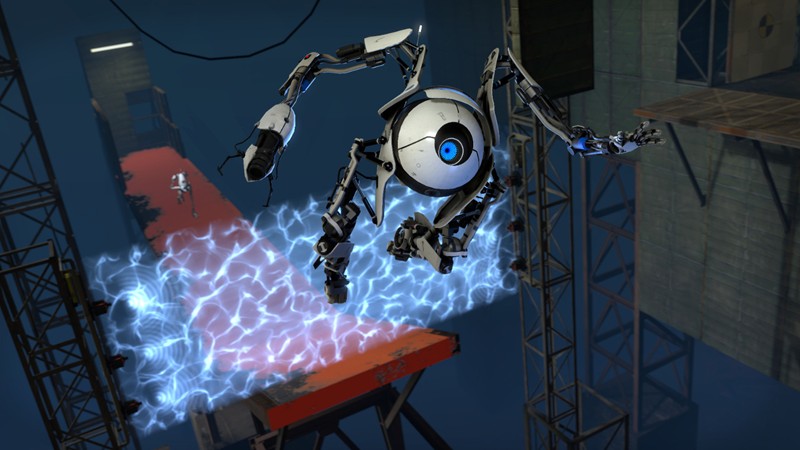
Genre: First Person Puzzle
Mode: Online / Offline
Storage: 8GB
Price: Prices may vary by region and promotion
BUY / PLAY
If you have a Steam account, you can Purchase steam game key and activate it on steam. Click “Buy Game Key” to visit game key store.
If you don not have a steam account;
- Click “Buy Steam Key” to visit Game Key store & check price.
- Complete Purchase and receive Steam Key after payment.
- Create free steam account or Log into your steam account.
- Open Steam and select GAMES → Activate Product On Steam.
- Enter Your Steam Key and add the game to your library.
- Download, install and start playing.
Partner Link.
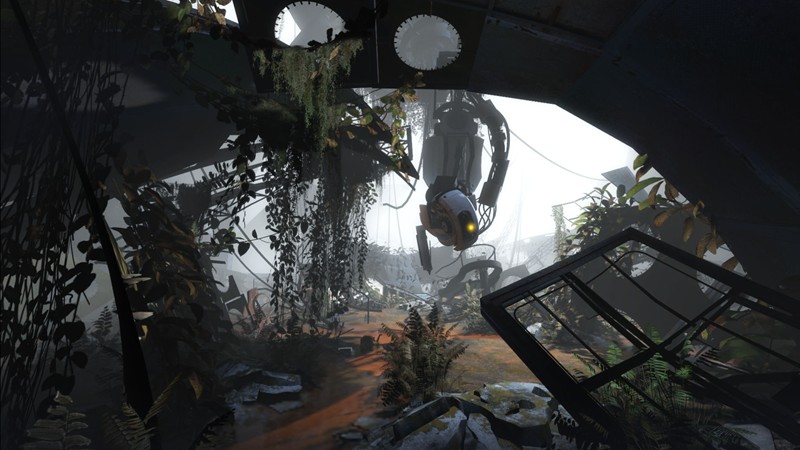
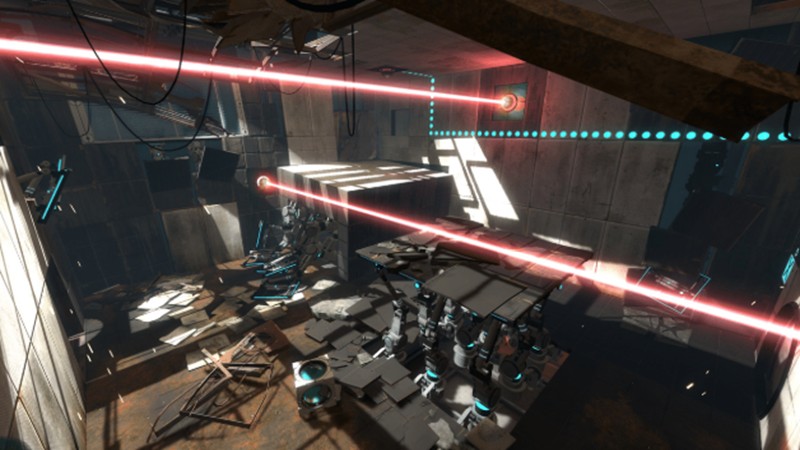
Gameplay Screenshots

System Requirements
Minimum Requirements
OS: Windows 7 / Vista / XP
CPU: 3.0 GHz Pentium 4, Dual Core 2.0 GHz, or AMD equivalent.
RAM: 2GB
GRAPHICS: DirectX 9 compatible, ATI Radeon X800 / NVIDIA GeForce 7600 / Intel HD Graphics
STORAGE: 8GB
Recommended Requirements
OS: Windows 7 or newer
CPU: Intel Core 2 Duo 2.4 GHz or better
RAM: 2GB+
GRAPHICS: NVIDIA GeForce 8800 GT / ATI Radeon HD 2900 Pro or better
STORAGE: 8GB
Low-Spec Reality Check
What to consider for low-end PCs
Installing the game on SSD is a plus for game performance
Intel HD Graphics 2000, 3000, and newer integrated GPUs can run it with reduced settings. Intel HD 4000 and newer generally handle 720p or even 1080p smoothly. The Source Engine is highly optimized, making the game playable on many office PCs and older laptops.
OPTIMIZATION TIPS to know how to set the best settings for smooth game experience.
Can't Run This Game? Here's What You Can Do
If your pc does not meet the requirements, too slow, crash , lags, stutter, or fail to launch. You can try other options to still enjoy similar gameplay experience.
Try This Quick Fixes And Test
- Lower resolution to 1280×720.
- Disable Anti-Aliasing.
- Set Shadow Detail to Low.
- Close background applications.
- Update graphics drivers.
Other Options To Try
Other ways to go about playing this game, you could try other lighter alternatives like similar Mobile Games, or even better by using Cloud Gaming which allows to stream play even games your PC can not handle on its own
Play similar Phone And Mobile Phone Versions Games Like Portal 2
Play even more richer games like this by Cloud. Even With Very Low End PCs
Optimization Tips
How to optimise settings for smooth gameplay
Gameplay Tips
Tips and tricks you can try while playing PORTAL 2
How To Purchase & Start Playing
Check different ways to access the game and choose what suits you
Official Methods
Other Games

Lethal League
Paid : Check price

Granny
Free to play

Rivals Of Aether
Paid : Check price