
ASSAULT CUBE
Full Review, System Requirements & Download Guide
Assault Cube is a fast and lightweight first-person shooter game designed for quick action and simple old school gameplay. It focuses on fast movement, sharp aiming, and competitive multiplayer matches where players fight in small, fast-paced maps.
In AssaultCube, the experience is all about speed and skill. You can imagine yourself running through tight maps, reacting quickly to enemy attacks, and trying to outshoot opponents in close combat. The gameplay is simple to learn but rewards accuracy, reflexes, and smart positioning, making every match intense and competitive.
Who Should ASSAULT CUBE
FPS Shooter Fans
Competitive Players
This game is very good to, compete in with friends, play a Strategic gameplay and quick decision-makiningle combat.
Team Combat Action
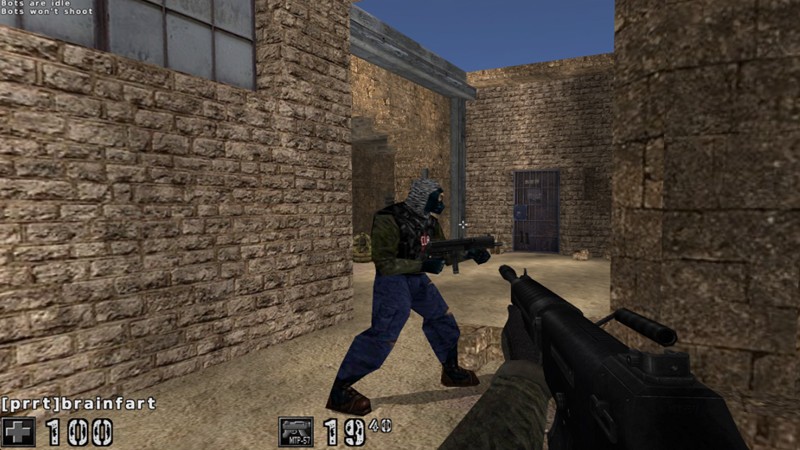
Genre: Tactical FPS Shooter
Mode: Online / Offline
Storage: 150MB
Price: Free to play
How to start playing
Click Download and it moves you the Assault Cube Official Site
- Click Download
- Choose your operating system version of the game
- Download OS version, Install and launch the game
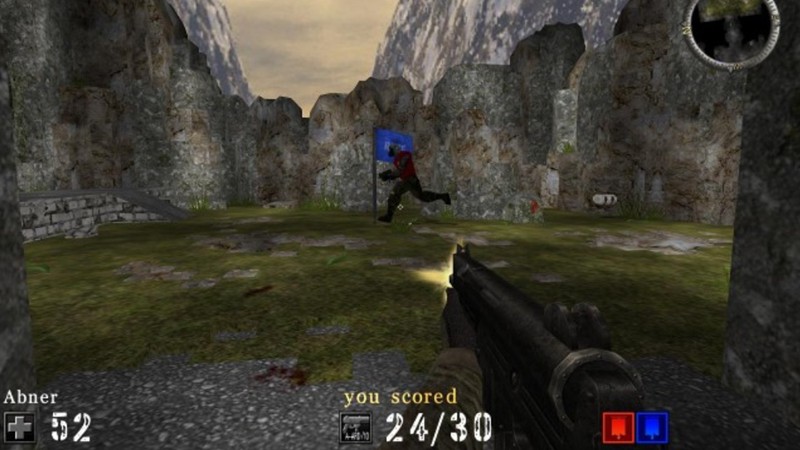
Gameplay Screenshots


System Requirements
Minimum Requirements
OS: Windows 2000+ / Linux / Mac OS
CPU: Any Dual Core From 2008+
RAM: 500MB
GRAPHICS: NVIDIA GeForce 256 / Radeon 7000 class open GL card
STORAGE: 200MB
Recommended Requirements
OS: Windows XP, 7, 10, 11
CPU: Any Dual Core From 2008+
RAM: 1GB+
GRAPHICS: Integrated Graphics Or Anything Newer
STORAGE: 250MB
Low-Spec Reality Check
What to consider for low-end PCs
AssaultCube genuinely runs on extremely weak PCs — even many early-2000s office machines can handle it.
The real bottleneck is usually old OpenGL drivers, not CPU or RAM power.
On potato hardware, expect playable performance at 640×480 or 800×600 with low settings.
Any dual-core PC from around 2008+ should run it smoothly at 60 FPS or more.
Lightweight Linux often performs better than modern Windows on ancient systems
Check OPTIMIZATION TIPS to know how to set the best settings for smooth game experience
Can't Run This Game? Here's What You Can Do
If your pc does not meet the requirements, too slow, crash , lags, stutter, or fail to launch. You can try other options to still enjoy similar gameplay experience.
Try This Quick Fixes And Test
– Enable Game Mode
– Lower to minimum graphics and resolution(800×600/640×480)
– Disable shadows and effects
– Use High performance mode in windows while pluged in charge
– Update/Fix openGL graphics drivers
– Close all apps running in background
Other Options To Try
Other ways to go about playing this game, you could try other lighter alternatives like similar Mobile Games, or even better by using Cloud Gaming which allows to stream play even games your PC can not handle on its own
Play On Smart Phone And Similar Mobile Phone Versions Games Like AssaultCube
Play other games by Stream Playing On Cloud. Even With Very Low End PCs
Optimization Tips
How to optimise settings for smooth gameplay
Gameplay Tips
Tips and tricks you can try while playing Assault Cube
How Download & Start Playing
Check different ways to access the game and choose what suits you
Official Method
Similar Games

Red Eclipse
Free to play
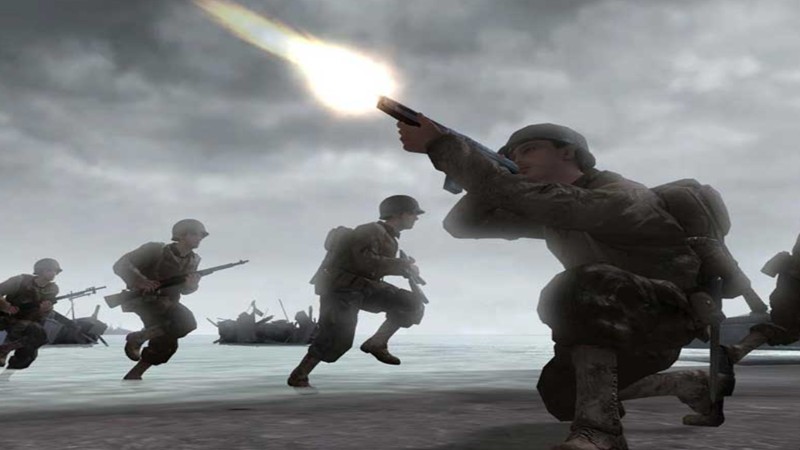
Call Of Duty 2
Paid : Check price

Valorant
Free to play