
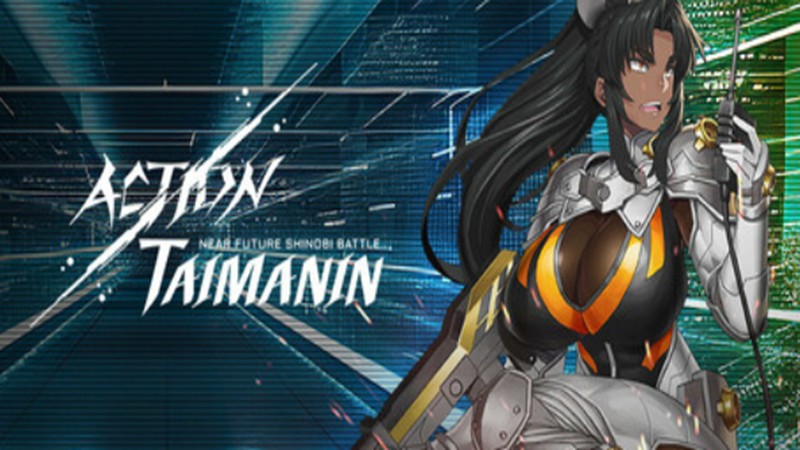
ACTION TAIMANIN
Review, System Requirements & Download Guide
A fast-paced 3D action RPG set in a dark near-future world of ninja warfare and demonic threats.
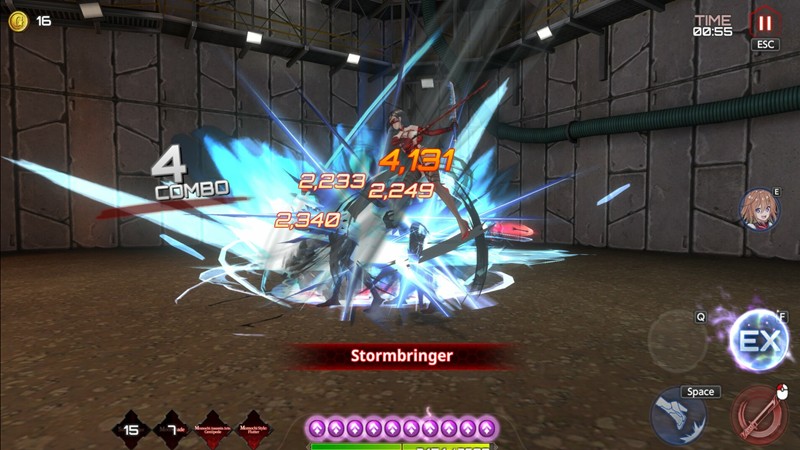
Players command elite Taimanin warriors who fight against powerful enemies using stylish combat skills and advanced weapons. The game blends anime-inspired storytelling with sci-fi and fantasy elements, creating an immersive mission-driven experience. Each character features unique abilities, upgrade paths, and customizable loadouts for different combat styles. Real-time battles focus on combo attacks, dodging, and strategic skill timing for high-impact action gameplay. Players can explore story missions, special events, and challenge modes that expand the game’s universe. Action Taimanin gives you an engaging mix of hack-and-slash combat, RPG depth, and anime aesthetics for action game fans.
Who Should Play ACTION TAIMANIN
Anime Action Fans
Players who enjoy anime-style visuals, cinematic combat, and character-driven stories will appreciate the game’s presentation. It creates an experience similar to popular anime action titles.
Competitive Challenge Seekers
Suitable for players who enjoy difficult stages, event challenges, and improving combat efficiency. by mastering mechanics and completing high-level content efficiently.
RPG Progressive Players
Perfect for gamers who like leveling characters, upgrading gear, and unlocking stronger abilities over time. They enjoy building powerful teams and optimizing character performance for difficult missions.
Hack and Slash Gamers
Genre: Action RPG
Mode: Online
Storage: 8GB
Price: Free to play
How to start playing
If you have a Steam account, you can install and play directly from there.
If you do not have a steam account;
- Click play on steam
- Follow given steps to create steam account
- Install and play the game from there
Gameplay Screenshots


System Requirements
Minimum Requirements
OS: Windows 7 or better (64 bit)
CPU: Intel Core i5-2520M or similar
RAM: 4GB
GRAPHICS: NVIDIA GeForce GTX 500 series or similar
DIRECT X: Version 11
STORAGE: 6GB
Recommended Requirements
OS: Windows 7,8,10,11 (64-bit)
CPU: Intel Core i5 2.6GHz or bette
RAM: 8GB
GRAPHICS: GeForce GTX 950 series or better
DIRECT X: Version 11
STORAGE: 8GB
Low-Spec Reality Check
What to consider for low-end PCs
Installing the game on SSD will improve the game performance
Check OPTIMIZATION TIPS to know how to set the best settings for smooth game experience
Can't Run This Game? Here's What You Can Do
If your pc does has any issues with this game, too slow, crash, lags, stutter, or fail to launch. You can try other options to still enjoy similar gameplay experience.
Try This Quick Fixes And Test
- Set resolution to 1280×720 (720p) for a major FPS boost on Intel HD graphics.
- Turn Shadows, Effects, and Anti-Aliasing to Low or Off.
- Use Fullscreen mode instead of Windowed
- Close all background apps before launching the game.
- Update Intel graphics drivers to reduce crashes and shader stutter.
- Enable Performance Mode in Windows power settings if using a laptop.
- Lower render scale if FPS still drops during skill-heavy fights.
- Install the game on an SSD if possible to improve loading times and reduce freezes.
Other Options To Try
If the game isn’t smooth and you really want the experience, you could try other lighter alternatives like similar Mobile Games, or even better by using Cloud Gaming which allows to stream play even games your PC can not handle on its own.
Play On Smart Phone And Similar Mobile Phone Versions Games Like ACTION TAIMANIN.
Stream Play any game or other games by Cloud. Even With Very Low End PCs.
Optimization Tips
How to optimise settings for smooth gameplay
Gameplay Tips
Tips and tricks you can try while playing ACTION TAIMANIN
How To Download & Start Playing
Check different ways to access the game and choose what suits you
Official Methods
Related Games
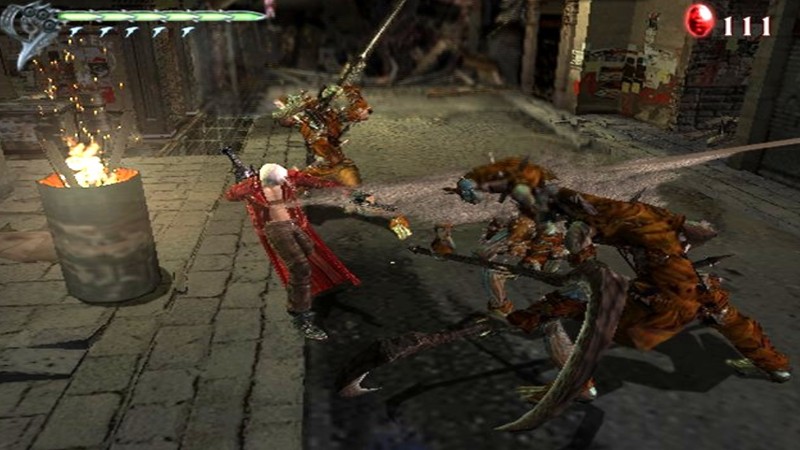
Devil May Cry 3
Paid : Check price
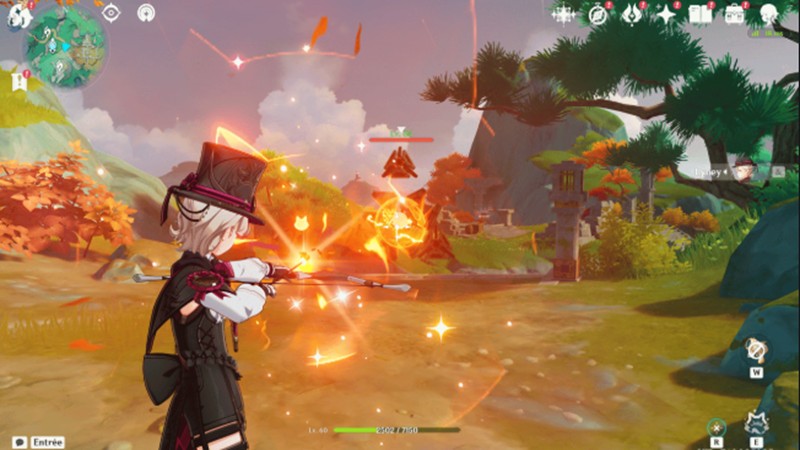
Genshim Impact
Free to play

Vallorant
Free to play