
DEVIL MAY CRY 3: HD Collection
Full Review, System Requirements & Download Guide
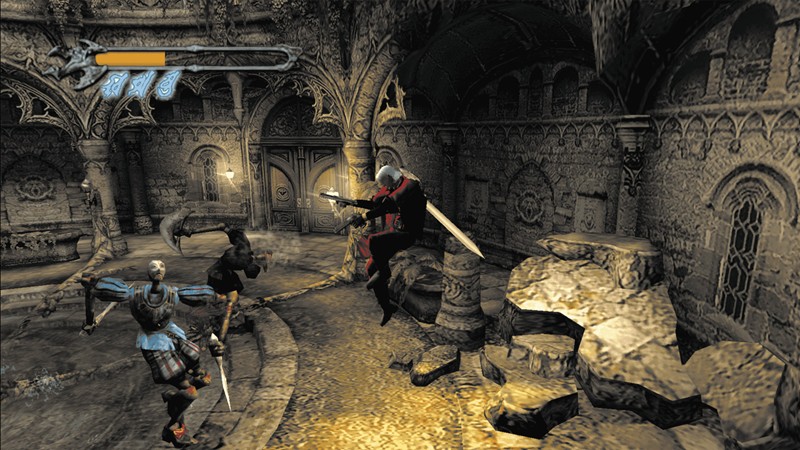
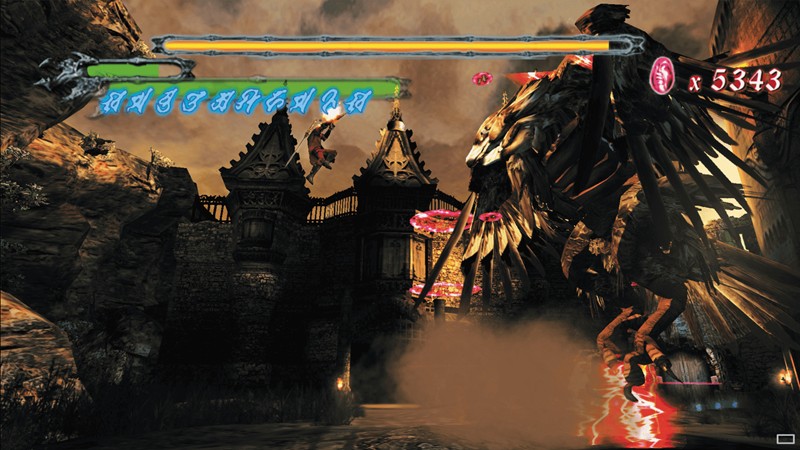
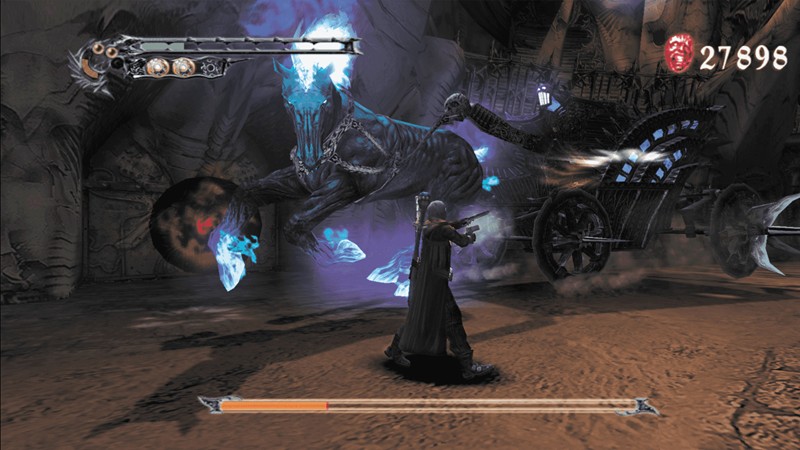
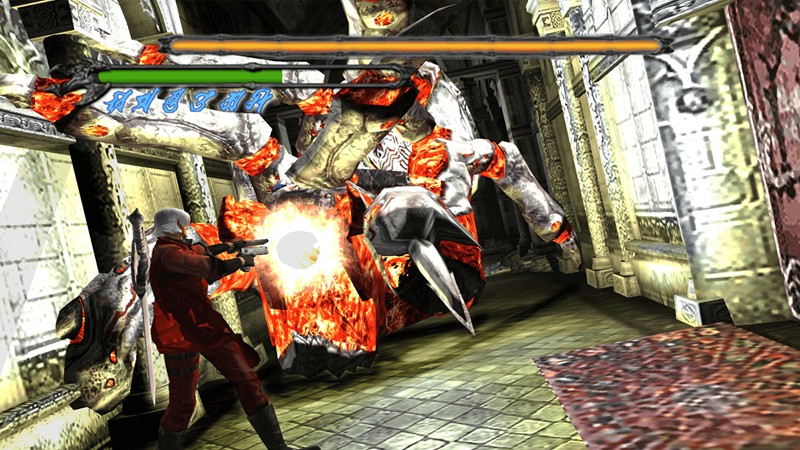
An action hack-and-slash game that tells the origin story of Dante before the events of the first Devil May Cry. Players battle demons using swords, guns, aerial combos, and powerful special abilities. The game is famous for its deep combat system, challenging boss fights, and the rivalry between Dante and Vergil. Its combo-focused gameplay rewards skill and creativity, making it one of the most influential action games ever made. Even today, many players consider it one of the best entries in the Devil May Cry series
Who Should Play Devil May Cry 3
Action Combat Fans
Players who enjoy fast-paced combat systems and mastering combos will find enormous depth here. Every weapon offers unique moves and advanced techniques.
Story Driven Players
Those interested in character-driven action stories will enjoy Dante’s early journey and the memorable rivalry with Vergil. The narrative remains one of the strongest in the series.
Challenge Seekers
Why Buy Steam Key (Game Key).
Steam Keys are often sold on discounts compared to the steam store price. You still activate and play the game through steam.
Game Keys here are from authorised retailers with Legitimate keys from official Pulblishers.

Genre: Action Hack and Slash
Mode: Offline
Storage: 5GB
Price: Prices may vary by region and promotion
BUY / PLAY
If you have a Steam account, you can Purchase steam game key and activate it on steam. Click “Buy Game Key” to visit game key store.
If you don not have a steam account;
- Click “Buy Steam Key” to visit Game Key store & check price.
- Complete Purchase and receive Steam Key after payment.
- Create free steam account or Log into your steam account.
- Open Steam and select GAMES → Activate Product On Steam.
- Enter Your Steam Key and add the game to your library.
- Download, install and start playing.
Partner Link.
Gameplay Screenshots
System Requirements
Minimum Requirements
OS: Windows 7 (64-bit)
CPU: Intel® Core™ i3 series (dual-core) or AMD equivalent or better
RAM: 4GB
GRAPHICS: NVIDIA® GeForce® GTX 760 or AMD Radeon™ R7 260x
STORAGE: 12GB
Recommended Requirements
OS: Windows 10 (64-bit)
CPU: Intel® Core™ i7 3770 3.4GHz or AMD equivalent or better
RAM: 8GB
GRAPHICS: NVIDIA® GeForce® GTX 960
STORAGE: 12GB
Low-Spec Reality Check
What to consider for low-end PCs
Installing the game on SSD is a plus for game performance
Devil May Cry 3 is extremely friendly to low-end PCs because it was originally released in the mid-2000s, the HD collection provides an improved gameplay performance. Intel HD Graphics, Intel UHD Graphics, and virtually any modern integrated GPU can run it smoothly. For budget gamers, this is one of the safest action games you can play.
OPTIMIZATION TIPS to know how to set the best settings for smooth game experience.
Can't Run This Game? Here's What You Can Do
If your pc does not meet the requirements, too slow, crash , lags, stutter, or fail to launch. You can try other options to still enjoy similar gameplay experience.
Try This Quick Fixes And Test
- Run at native monitor resolution.
- Enable V-Sync if screen tearing occurs.
- Update graphics drivers.
- Close background applications.
- Use a gamepad for the best experience
Other Options To Try
Other ways to go about playing this game, you could try other lighter alternatives like similar Mobile Games, or even better by using Cloud Gaming which allows to stream play even games your PC can not handle on its own
Play similar on Phone And Mobile Phone Versions Games Like Devil May Cry 3
Play even more demanding games like this by Cloud. Even With Very Low End PCs
Optimization Tips
How to optimise settings for smooth gameplay
Gameplay Tips
Tips and tricks you can try while playing DEVIL MAY CRY 3
How To Purchase & Start Playing
Check different ways to access the game and choose what suits you
Official Methods
Similar Games

Tomb Raider Legend
Paid : Check price

Resident Evil 4
Paid : Check price

Granny Escape Together
Paid : Check price