
World Of Tanks Blitz Mobile Version (Android & iPhone[iOS])
World of Tanks Blitz is a fast-paced mobile tank combat game that brings tactical 7v7 battles to Android and iPhone. Featuring hundreds of historically inspired and fictional tanks, it combines strategic gameplay, vehicle customization, and team-based action in matches designed for mobile play. Whether you’re a newcomer or a veteran commander, Blitz offers quick, competitive battles you can enjoy anywhere.
World Of Tanks Blitz Mobile Features
Cross-Platform Play
Cross Progression
Same Core Content Across Platforms
Touch Controls And Controller Support
The mobile version gives intuitive touch controls with virtual joysticks, and supports external controllers on supported Android and iOS devices, providing a more console-like experience.
Optimized Standard
Matches typically last around 5–7 minutes, making the game ideal for mobile play. The graphics are optimized to run on a wide range of devices, with adjustable quality settings to balance visuals and performance.
World Of Tanks Blitz Mobile Requirements
Android Requirements
OS: Android 11 or newer
CPU: Snapdragon 778G, Dimensity 900, or better
RAM: 6GB
STORAGE: 6GB
iPhone (iOS) Requirements
OS: iOS 17 or Later
SUPPORTED iPHONE MODELS: From iPhone 11 or newer
STORAGE: 6GB
Mobile Performance Reality Check
What to consider
World of Tanks Blitz is well optimized and runs smoothly on most modern smartphones. Devices with 4 GB RAM or more can usually maintain stable frame rates on medium to high graphics settings. Older budget phones may need to use low graphics settings to avoid frame drops during intense 7v7 battles, while newer mid-range and flagship devices can comfortably handle high or ultra settings.
World Of Tanks Blitz Mobile Performance & Lag Fixes
• Use a stable internet connection.
• Close background apps before starting the game.
• Keep at least 2GB extra space.
• Lowers screen resolution or refresh rate if performance drops.
• Use a game booster.
If you want to avoid experiencing lag, high ping, or unstable connections, a gaming VPN can help improve routing to game servers.
A game booster app can help reduce background processes and free system resources, and to make device priorotize game perfomance.
World Of Tanks Blitz Mobile Game Images
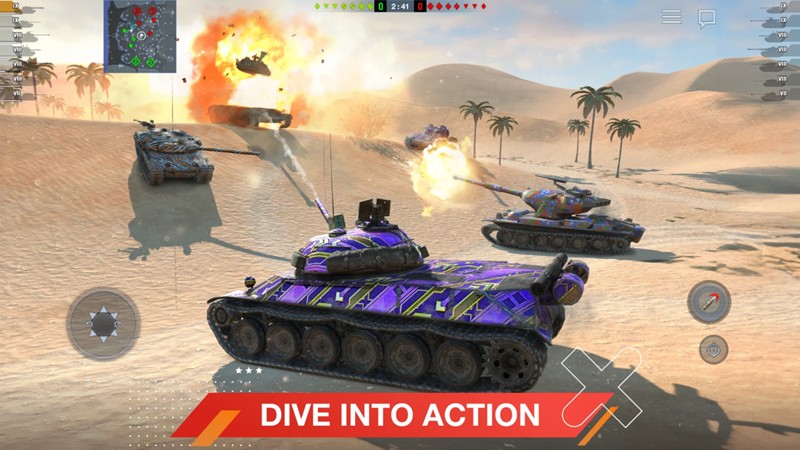
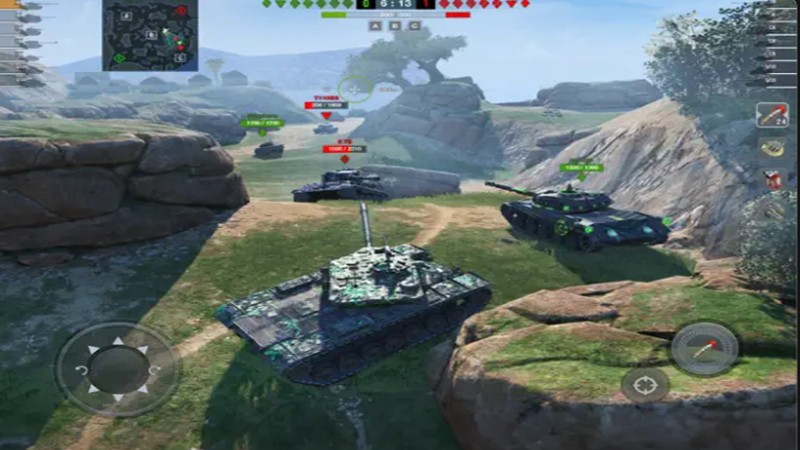
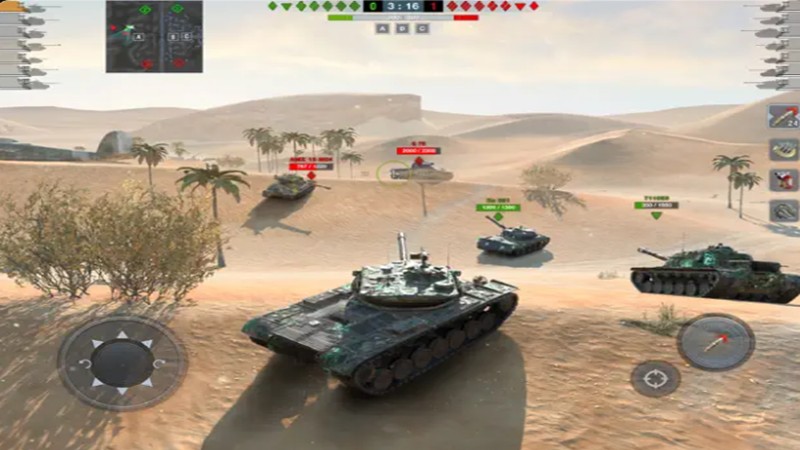
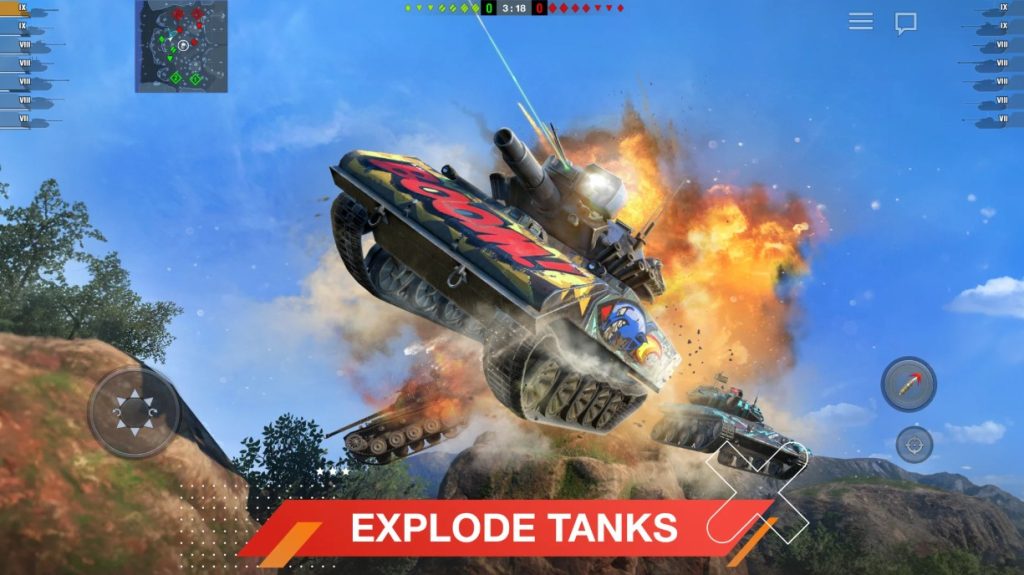
- This page focuses only on the mobile version. For complete info for PC, see our full Brawlhalla guide.
Similar Games With Mobile Version
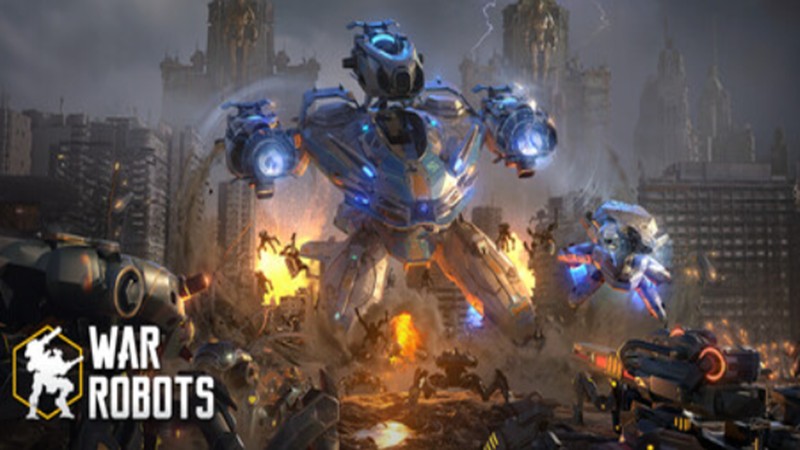
War Robots
Free to play

World Of Warships
Free to play