
TEAM FORTRESS 2
Full Review, System Requirements & Download Guide
Team Fortress 2 is a team-based first-person shooter with fast-paced, action-packed gameplay.
Players choose from nine unique classes, each offers special abilities and strategies. Set in vibrant cartoon-style maps, the game emphasizes teamwork and tactical play. Popular modes include Capture the Flag, Control Point, and King of the Hill.
Its mix of casual fun and competitive matches keeps players coming back. Whether you’re a strategist or a run-and-gun fan, TF2 makes it worth replaying.
Who Should Play TEAM FORTRESS 2
Team Based Strategist
Player who loves planning and coordinating team tactics. Thrives on controlling objectives and supporting teammates effectively.
Casual Gamers
Enjoy fun, fast-paced action without needing to invest heavily in strategy. Perfect for short, entertaining sessions.
Competitive Players
Social Gamers
Play for the community, friends, and multiplayer interactions. Enjoys the social aspect of teaming up and chatting.
The Sharp shooter
Excels at precision and long-range combat. Combines classes like Sniper to take out key targets from a distance & uses mobility, surprise attacks, and unconventional tactics. Excels at classes that can flank, harass, or disrupt the enemy.

Genre: Team Based First Person Shooter (FPS)
Mode: Online
Storage: 15GB
Price: Free to play
How to start playing
If you have a Steam account, you can install and play directly from there.
If you do not have a steam account;
- Click play on steam
- Follow given steps to create steam account
- Install and play the game from there
Gameplay Screenshots
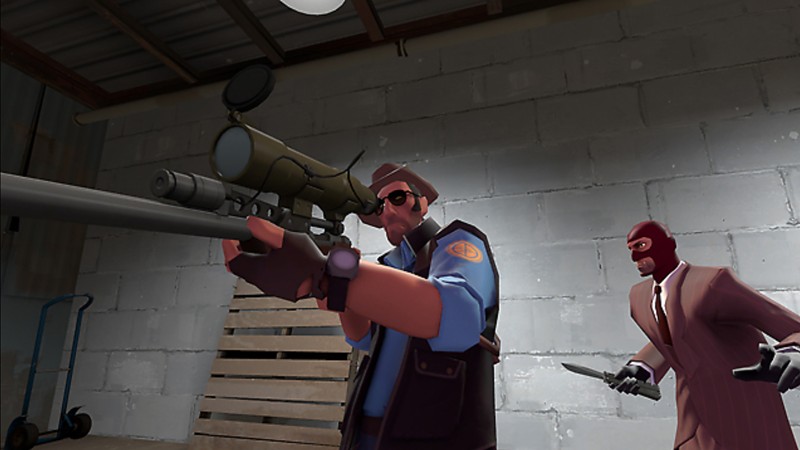
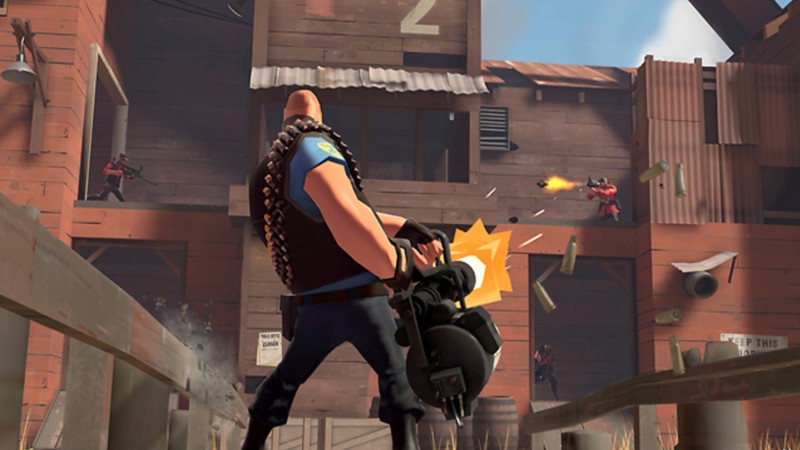
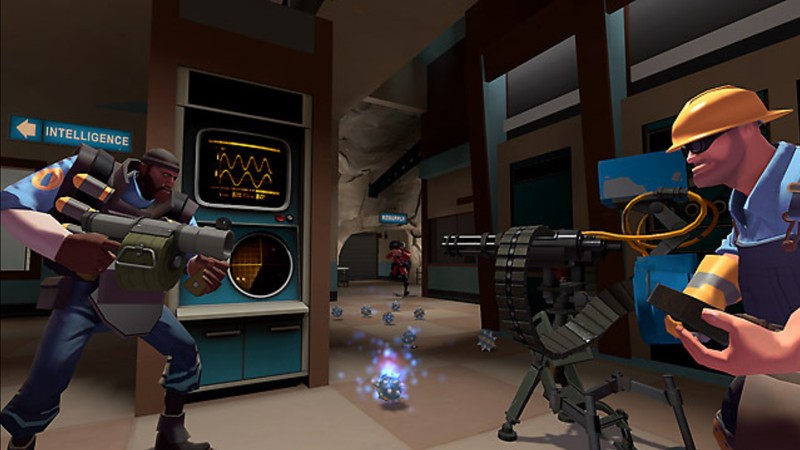
System Requirements
Minimum Requirements
OS: Windows 7, (32,64-bit)
CPU: 1.7 GHz Processor or better
RAM: 512MB
GRAPHICS: Any DirectX 8.1 supported graphics card
DIRECT X: Version 8.1
STORAGE: 15GB
Recommended Requirements
OS: Windows 10,11 (64-bit)
CPU: Dual-core processor, 2.0 GHz or better
RAM: 1GB or more
GRAPHICS: DirectX 9 level graphics card with 256 MB VRAM
DIRECT X: 9.0c
STORAGE: 15GB
Low-Spec Reality Check
What to consider for low-end PCs
Team Fortress 2 is extremely lightweight and can run on most older PCs. Even systems with Intel integrated graphics like HD 4000 or newer can handle the game at low settings. Minimal CPU and RAM requirements mean it works on laptops and older desktops. Lowering resolution and graphics details ensures smooth performance while keeping the core gameplay intact. While not visually cutting-edge, TF2’s cartoon-style art is forgiving on weak hardware. This makes it ideal for players who want fast-paced online action without a high-end PC.
Check OPTIMIZATION TIPS to know how to set the best settings for smooth game experience
Can't Run This Game? Here's What You Can Do
If your pc does has any issues with this game, too slow, crash, lags, stutter, or fail to launch. You can try other options to still enjoy similar gameplay experience.
Try This Quick Fixes And Test
- Set all graphics settings to Low or Very Low
- Reduce screen resolution (e.g., 1024×768 or 1280×720)
- Turn off shadows and anti-aliasing
- Close unnecessary background programs
- Use Launch Options – In Steam, right-click the game(TF2) → Properties → Set Launch Options:
-novid -nojoy -high -threads X. - Update GPU drivers, including Intel integrated graphics
Other Options To Try
If the game isn’t smooth and you really want the experience, you could try other lighter alternatives like similar Mobile Games, or even better by using Cloud Gaming which allows to stream play even games your PC can not handle on its own.
Play On Smart Phone And Similar Mobile Phone Versions Games Like TEAM FORTRESS 2
Stream Play any game or more richer games by Cloud. Even With Very Low End PCs
Optimization Tips
How to optimise settings for smooth gameplay
Gameplay Tips
Tips and tricks you can try while playing TEAM FORTRESS 2
How To Download & Start Playing
Check different ways to access the game and choose what suits you
Official Methods
Related Games

Overwatch
Free to play
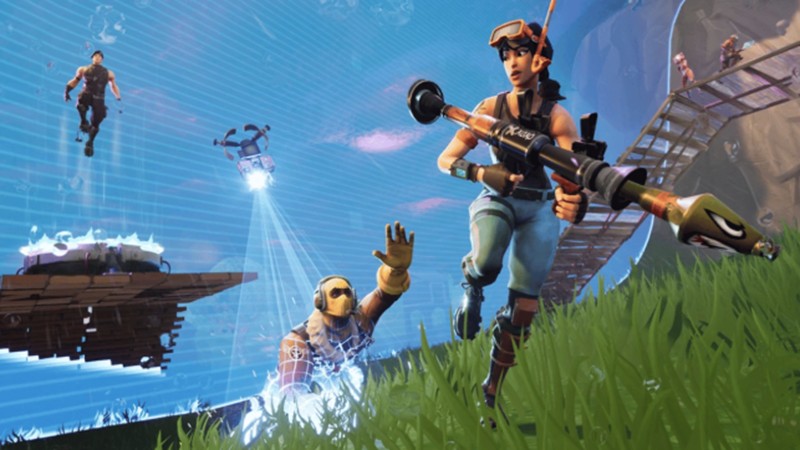
Fortnite
Free to play

Vallorant
Free to play