
VALORANT
Review, System Requirements & Download Guide
Valorant is a competitive 5v5 tactical first-person shooter where players choose unique agents with special abilities.
The main objective is to either plant or defuse the Spike while eliminating the opposing team. Each round emphasizes strategy, teamwork, precise aiming, and ability usage for tactical advantage. Players progress by ranked modes, improving skills in gunplay, positioning, and team work. The game features multiple maps designed for balanced competitive play and high-level esports matches.
Valorant combines classic FPS mechanics with hero-based abilities for deep strategic gameplay and replayability.
Who Should Play Battle Team 2
Competitive Players
This game is very good PvP, compete in Ranked Matches and climbing leaderboards and aim to stay ahead
Strategic/Tactical Action
Players who like mixing strategy and action in one go, customise weapons, adapt to maps and choose play styles on map navigation, positioning angles and team work not just shooting reflexes.
FPS & Shooter Fans
Team Based Shooter
Gameplay includes team deathmatch, co-op missions, and tactical squad gameplay which you can enjoy coordinating with friends or online teammates
Genre: Tactical FPS \ Multiplayer Action
Mode: Online
Storage: 50GB
Price: Free to play
How to start playing
You can download and play from “Valorant” Official site
- Click “Play Now”
- Follow given steps to create Riot account or log in
- Download Riot Client launcher, Install and Open
- Select Valorant Inside the Launcher and download
- Install and start playing
Gameplay Screenshots
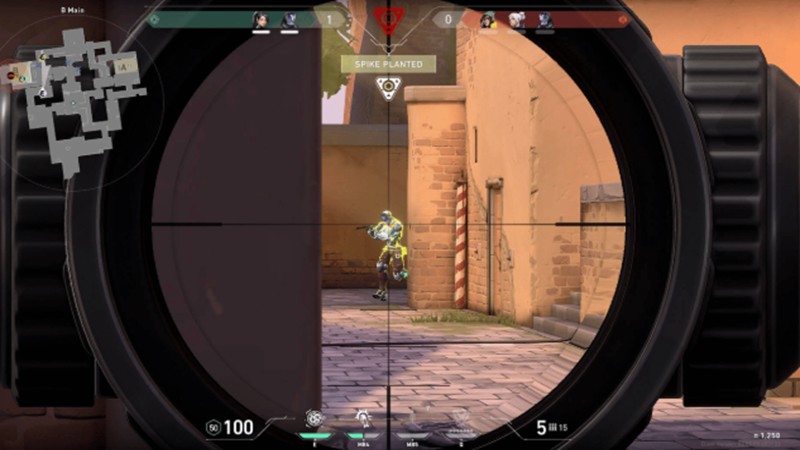
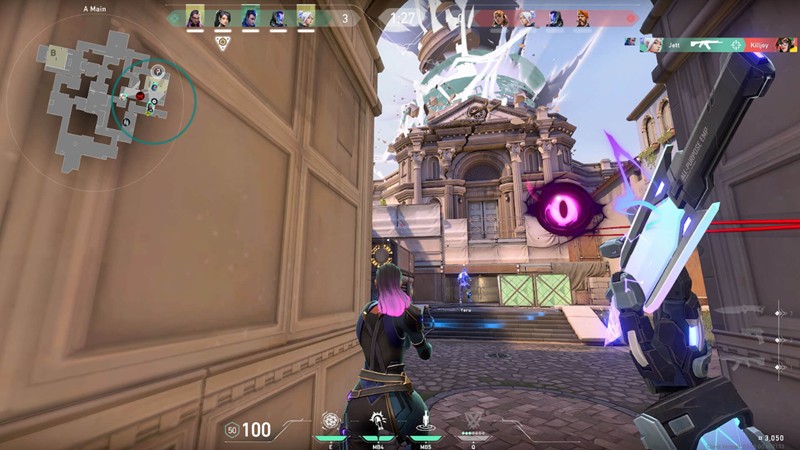

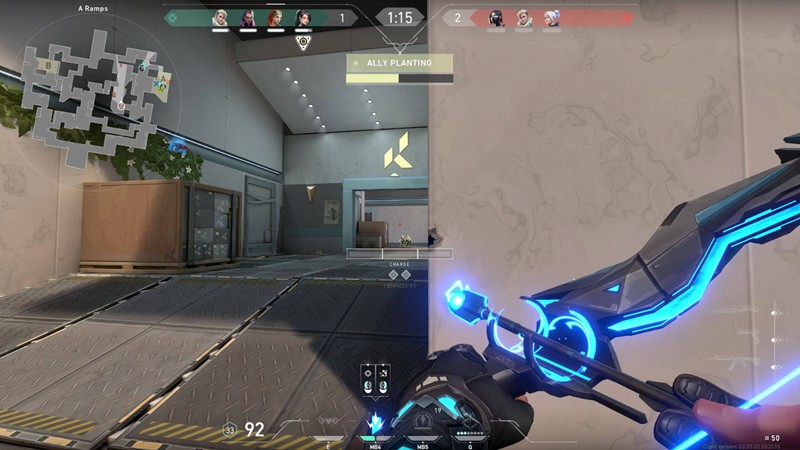
System Requirements
Minimum Requirements
OS: Windows 10, 11 (64-bit)
CPU: Intel i3-540 / AMD Athlon 200GE
RAM: 4GB
GRAPHICS: Intel HD 4000 / Radeon R5 220
DIRECTX: 11 Supported
STORAGE: 50GB
Recommended Requirements
OS: Windows 10, 11 (64-bit)
CPU: Core i7-7700K or equivalent
RAM: 6GB+
GRAPHICS: GT 730 / Radeon R7 240
DIRECTX: 11
STORAGE: 50GB
Low-Spec Reality Check
What to consider for low-end PCs
Installing the game on SSD instead of HD Is an advantage to the game performance
Valorant is also very low-spec friendly compared to most modern FPS games.
Minimum specs are Intel HD 4000 graphics, 4GB RAM, and an old dual-core CPU for ~30 FPS.
For smooth competitive play, aim for at least 8GB RAM and a decent SSD because Valorant is more CPU-dependent than GPU-heavy.
Even many old office PCs and laptops can run it on Low settings at 720p–1080p.
On Windows 11, Riot’s Vanguard anti-cheat also requires TPM 2.0 and Secure Boot enabled.
Check OPTIMIZATION TIPS to know how to set the best settings for smooth game experience
Can't Run This Game? Here's What You Can Do
If your pc does not meet the requirements, too slow, crash , lags, stutter, or fail to launch. You can try other options to still enjoy similar gameplay experience.
Try This Quick Fixes And Test
- Set all graphics to Low/Off and turn on Multithreaded Rendering.
- Play at 1280×720 resolution or lower for smoother FPS.
- Disable background apps, overlays (Discord, Xbox Game Bar, screen recorders).
- Switch Windows power mode to High Performance and update GPU drivers
Other Options To Try
If the game can’t run well and you really want the experience, you could try other lighter alternatives like similar Mobile Games, or even better by using Cloud Gaming which allows to stream play even games your PC can not handle on its own.
Play On Smart Phone And Similar Mobile Phone Versions Games Like VALORANT
Play even more games by streaming on Cloud Game Service. Even With Very Low End PCs
Optimization Tips
How to optimise settings for smooth gameplay
Gameplay Tips
Tips and tricks you can try while playing VALORANT
How To Download & Start Playing
Check different ways to access the game and choose what suits you
Official Methods
Similar Games

Counter Strike 2
Free to play

Battle Team 2
Free to play
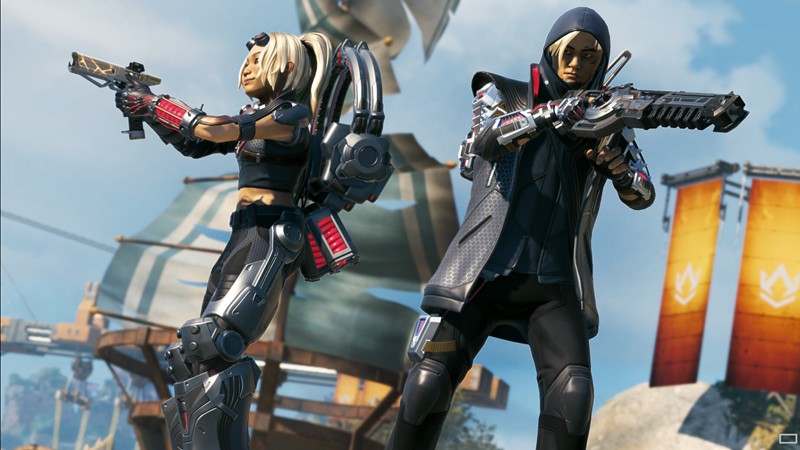
Apex Legends
Free to play