
OVERWATCH
Review, System Requirements & Download Guide
Overwatch is a team-based first-person shooter where players compete in 5v5 matches where each hero has unique abilities and a specific role. The game focuses on teamwork, fast reflexes, and coordinated strategies. Heroes are divided into Tank, Damage, and Support roles to balance team composition. Matches take place on objective-based maps such as escort, control, and hybrid modes. Players must work together to capture points, push payloads, or defend key locations. Overwatch features a wide roster of heroes with distinct playstyles and abilities.
Regular updates, seasonal events, and competitive ranked play keep the game evolving.
Who Should Play MTG OVERWATCH
Team Strategist
Players who enjoy coordinating with teammates, planning pushes, and controlling objectives. They focus on timing, positioning, and group synergy over solo plays.
Competitive Climbers
Players motivated by ranked progression, improving skill rating, and mastering the meta. They enjoy structured gameplay, learning from mistakes, and optimizing performance.
Support & Utility Players
People who enjoy healing, protecting allies, and enabling team success rather than getting kills. They find satisfaction in clutch saves and smart utility use.
Fast Reflex Shooters

Genre: First Person Shooter(FPS)
Mode: Online
Storage: 50GB
Price: Free to play
How to start playing
If you have a Steam account, you can install and play directly from there.
If you do not have a steam account;
- Click play on steam
- Follow given steps to create steam account
- Install and play the game from there
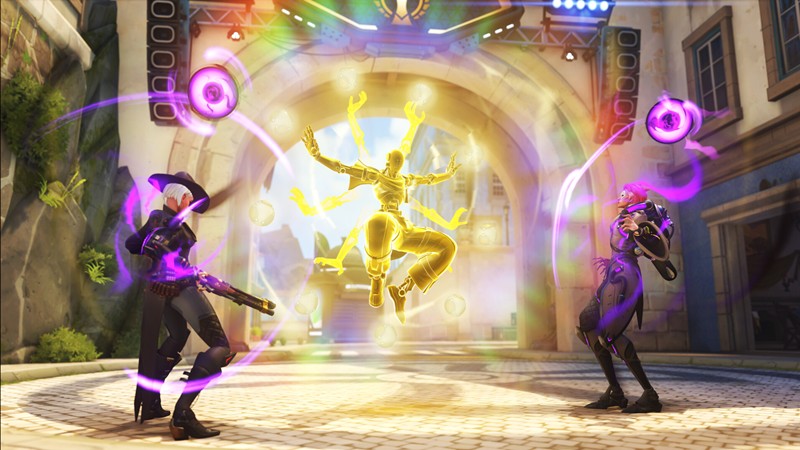
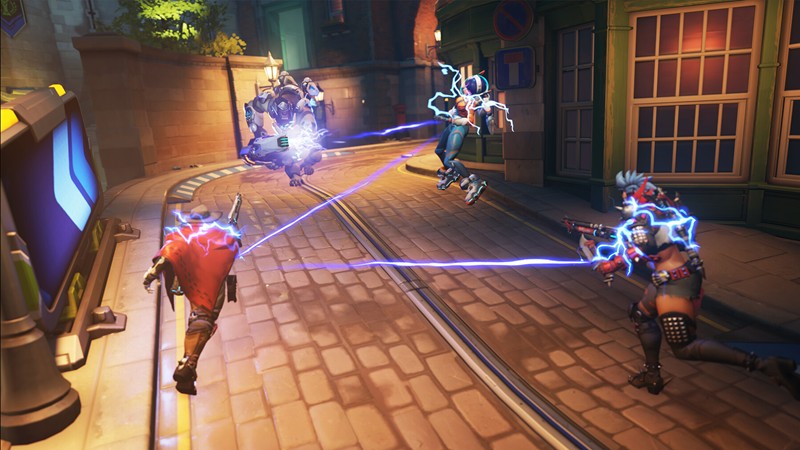
Gameplay Screenshots


System Requirements
Minimum Requirements
OS: Windows 10, (64-bit)
CPU: Intel Core i3 or AMD Phenom X3 8650
RAM: 6GB
GRAPHICS: NVIDIA GeForce GTX 600 series / AMD Radeon HD 7000 series
DIRECT X: Version 11
STORAGE: 50GB
Recommended Requirements
OS: Windows 10,11 (64-bit)
CPU: Intel Core i5 or AMD Ryzen 5
RAM: 8-16GB
GRAPHICS: NVIDIA GeForce GTX 1060 / AMD Radeon RX 580 or better
DIRECT X: Version 11
STORAGE: 50GB
Low-Spec Reality Check
What to consider for low-end PCs
Installing the game on SSD will improve the game performance
This game can technically run on low-end PCs that meet minimum specs, but performance depends heavily on your hardware and settings. On older CPUs or weak GPUs, the game may run fine in menus but drop FPS during intense team fights. Lowering resolution, shadows, and effects is often necessary to keep gameplay smooth.
6–8 GB RAM is enough, but background apps can easily cause stuttering or lag spikes.
For competitive play, stable 60 FPS and low ping matter more than just meeting minimum requirements.
Check OPTIMIZATION TIPS to know how to set the best settings for smooth game experience
Can't Run This Game? Here's What You Can Do
If your pc does has any issues with this game, too slow, crash, lags, stutter, or fail to launch. You can try other options to still enjoy similar gameplay experience.
Try This Quick Fixes And Test
- Lower render scale (75% or below) and switch to 720p resolution.
- Set graphics to Low and disable shadows, reflections, and dynamic lighting.
- Enable “Performance Mode” or reduce all advanced visual effects.
- Close background apps (browser, Discord streaming, downloads).
- Update GPU drivers and Windows for better stability and fixes.
- Turn off overlays (Xbox Game Bar, GeForce overlay, etc.).
- Use fullscreen mode for smoother FPS compared to windowed mode.
Other Options To Try
If the game isn’t smooth and you really want the experience, you could try other lighter alternatives like similar Mobile Games, or even better by using Cloud Gaming which allows to stream play even games your PC can not handle on its own.
Play On Smart Phone And Similar Mobile Phone Versions Games Like OVERWATCH.
Stream Play more game by Cloud. Even With Very Low End PCs.
Optimization Tips
How to optimise settings for smooth gameplay
Gameplay Tips
Tips and tricks you can try while playing Overwatch
How To Download & Start Playing
Check different ways to access the game and choose what suits you
Official Methods
Related Games
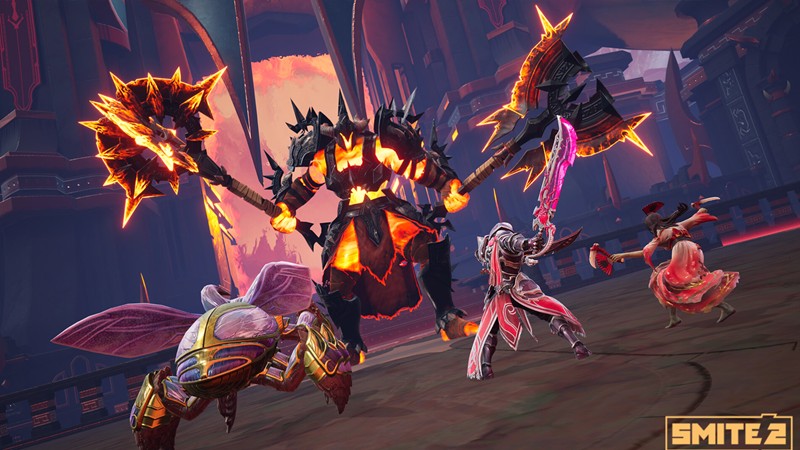
Smite 2
Free to play

RuneScape
Free to play

Creativerse
Paid: Check price