
RUNESCAPE Mobile Version (Android & iPhone[iOS])
RuneScape Mobile brings the full MMORPG experience to your Android or iPhone, letting you train skills, complete quests, battle monsters, and trade with players wherever you are. With cross-platform progression, you can seamlessly switch between mobile and PC using the same account without losing any progress.
RuneScape Mobile Features
Cross-Play Progression
Same Content As PC
Customizable Interface
Online Multiplayer
Cloud Saves
Your game progress is stored online through your Jagex account. There is no need to manually transfer save files—simply sign in on another supported device to continue exactly where you left off.
RuneScape Mobile Requirements
Android Requirements
OS: Android Version 11 or newer
CPU: Snapdragon 845 / MediaTek Dimensity 900 or better
RAM: 4GB
STORAGE: 6GB
iPhone (iOS) Requirements
SUPPORTED iPHONE MODELS: iPhone 11 or later
STORAGE: 6GB
Mobile Performance Reality Check
What to consider
RuneScape runs well on most modern Android phones and iPhones, with the best experience on mid-range and flagship devices. the game graphics settings can be adjusted for smoother gameplay. A stable Wi-Fi or 4G/5G connection is recommended for smooth gameplay and fewer connection issues.
RuneScape Mobile Performance & Lag Fixes
• Use a stable internet connection.
• Try gaming VPN if you experience routing or server-related latency issues.
• Lower graphics setting & close background apps.
• Use a game booster.
If you want to avoid experiencing lag, high ping, or unstable connections, a gaming VPN can help improve routing to game servers.
A game booster app can help reduce background processes and free system resources, and to make device priorotize game perfomance.
RuneScape Mobile Gameplay Screenshots
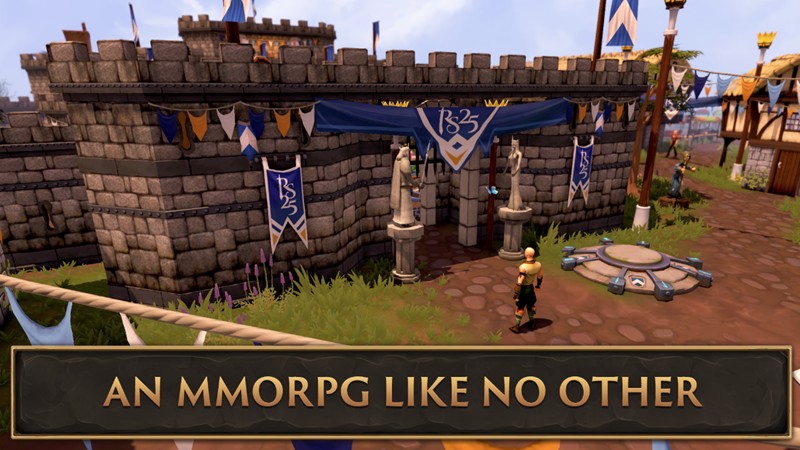


- This page focuses only on the mobile version. For complete info for PC, see our full warframe guide.