
MINECRAFT: DUNGEONS
Full Review, System Requirements & Download Guide
Its an action-packed dungeon crawler set in the Minecraft universe. Instead of building blocks, players battle monsters, collect powerful loot, and explore dangerous dungeons. The game features fast-paced combat, character customization through gear, and cooperative multiplayer for up to four players. Inspired by classic hack-and-slash RPGs. Minecraft Dungeons delivers a family-friendly dungeon-crawling experience with Minecraft’s iconic visual style.
Who Should Should Play Minecraft Dungeons
Action RPG Fans
Gamers who enjoy titles like Diablo but want a more accessible and family-friendly experience will find Minecraft Dungeons enjoyable without overwhelming complexity.
Social Co-op Gamers
Friends looking for a fun cooperative experience can team up and tackle dungeons together. The game is easy to learn and works well for casual group.
Loot Hunters
Why Buy Steam Key (Game Key).
Steam Keys are often sold on discounts compared to the steam store price. You still activate and play the game through steam.
Game Keys here are from authorised retailers with Legitimate keys from official Pulblishers.

Genre: Action RPG
Mode: Online / Offline
Storage: 6GB
Price: Prices may Vary by region and promotion
BUY / PLAY
If you have a Steam account, you can Purchase steam game key and activate it on steam. Click “Buy Game Key” to visit game key store.
If you don not have a steam account;
- Click “Buy Steam Key” to visit Game Key store & check price.
- Complete Purchase and receive Steam Key after payment.
- Create free steam account or Log into your steam account.
- Open Steam and select GAMES → Activate Product On Steam.
- Enter Your Steam Key and add the game to your library.
- Download, install and start playing.
Partner Link.
Gameplay Screenshots
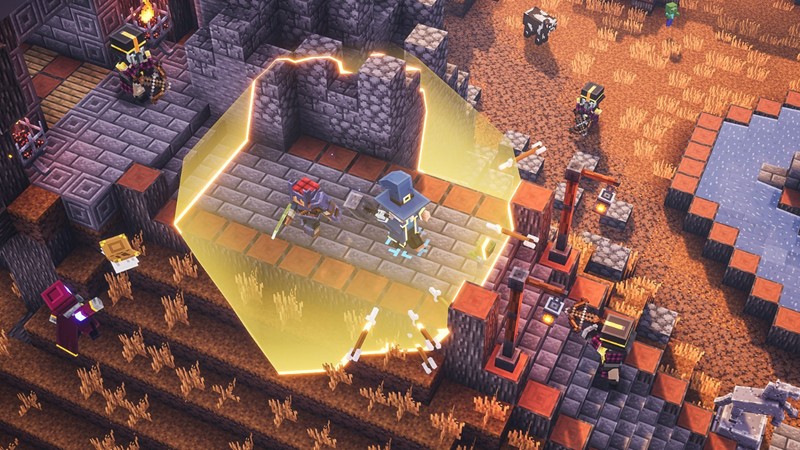
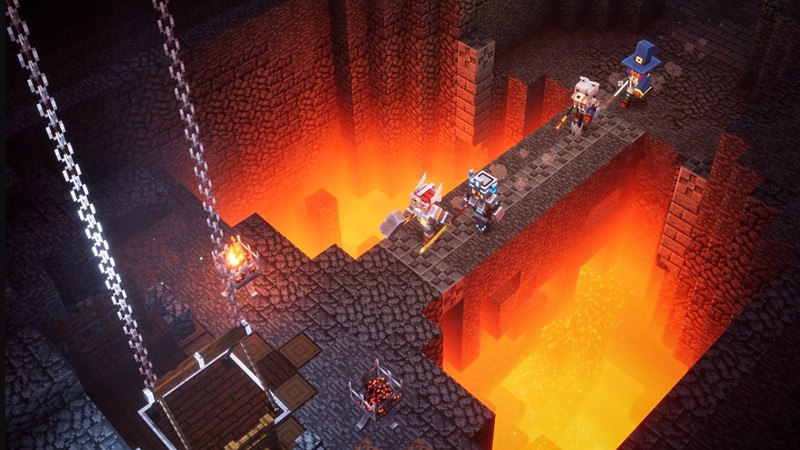
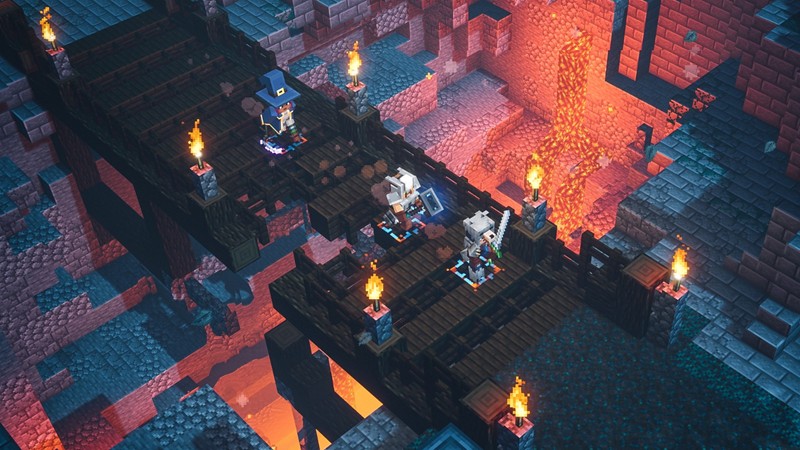
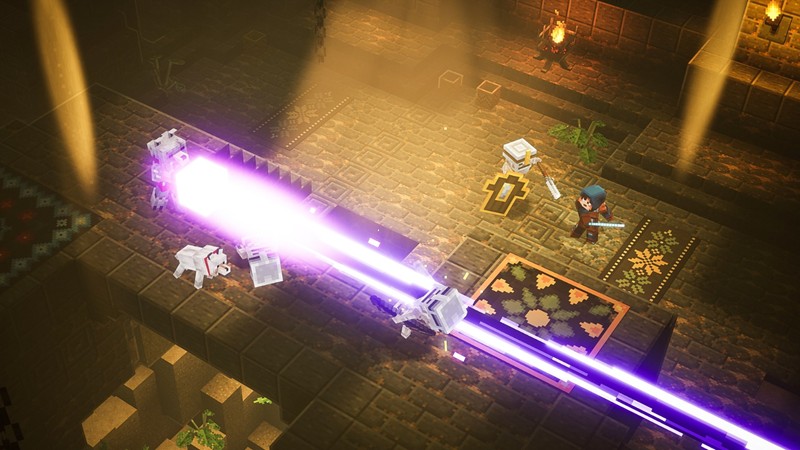
System Requirements
Minimum Requirements
OS: Windows 10, 64 bit
CPU: Intel Core i5-4690 / AMD A10-7800
RAM: 8GB
GRAPHICS: NVIDIA GTX 660 / AMD Radeon HD 7870
STORAGE: 6GB
Recommended Requirements
OS: Windows 10,11 (64-bit)
CPU: Intel Core i5-6600 / AMD Ryzen 3 1300X
RAM: 8GB+
GRAPHICS: GTX 1050 / RX 560 or better
STORAGE: 6GB+
Low-Spec Reality Check
What to consider for low-end PCs
Installing the game on SSD is a plus for game performance
Minecraft Dungeons is significantly more demanding than regular Minecraft. Intel HD 4000 and older integrated graphics are generally below the minimum requirements and may struggle to run the game properly. Intel UHD 620/630 graphics can sometimes achieve playable frame rates at low settings and reduced resolution, but expect compromises. Dedicated GPUs such as the GTX 750 Ti, GTX 950, or better provide a much smoother experience. If your PC runs modern 3D games poorly, Minecraft Dungeons may require major settings reductions.
OPTIMIZATION TIPS to know how to set the best settings for smooth game experience.
Can't Run This Game? Here's What You Can Do
If your pc does not meet the requirements, too slow, crash , lags, stutter, or fail to launch. You can try other options to still enjoy similar gameplay experience.
Try This Quick Fixes And Test
- ower resolution to 720p.
- Set graphics quality to Low.
- Close browsers and background applications.
- Update graphics drivers.
- Play plugged into power mode on laptops.
Other Options To Try
Other ways to go about playing this game, you could try other lighter alternatives like similar Mobile Games, or even better by using Cloud Gaming which allows to stream play even games your PC can not handle on its own
Play similar Phone And Mobile Phone Versions Games Like Mincraft
Play even more demanding games like this by Cloud. Even With Very Low End PCs
Optimization Tips
How to optimise settings for smooth gameplay
Gameplay Tips
Tips and tricks you can try while playing MINECRAFT DUNGEONS
How To Purchase & Start Playing
Check different ways to access the game and choose what suits you
Official Methods
Similar Games

Creativerse
Paid : Check price
Path Of Exile
Free to Play
Rivals Of Aether
Paid : Check price