
POPPY PLAYTIME
Review, System Requirements & Download Guide
Poppy Playtime is a thrilling first-person horror puzzle game, play in a haunted abandoned toy factory filled with mystery, danger, and surprises. The game combines atmospheric storytelling, clever puzzles, and intense chase sequences to create a unique experience.
players take on the role of a former employee who returns years after the mysterious disappearance of the staff. As you explore dark corridors and forgotten production areas, you’ll uncover hidden secrets while avoiding terrifying characters. Each chapter introduces new mechanics, deeper lore, and more intense gameplay, keeping players engaged.
With its unique blend of horror, exploration, and puzzle-solving, Poppy Playtime stands out among indie horror games.
Who Should Play POPPY PLAYTIME
Players who love Horror survival games
As you play in the abandoned toy factory you will haunted inside by weird toys and scary encounters
Puzzle Solving Challenges
This game is filled with challenging puzzles that will blow your mind. puzzles help brain function too so get shaper mind while playing
Story Driven Gameplay
Players who enjoy living a story as you play along

Genre: Horror Puzzle Game \ First person
Mode: Offline
Storage: 20GB
Price: Free to play
How to start playing
If you have a Steam account, you can install and play directly from there.
If you do not have a steam account;
- Click play on steam
- Follow given steps to create steam account
- Install and play the game from there
Gameplay Screenshots
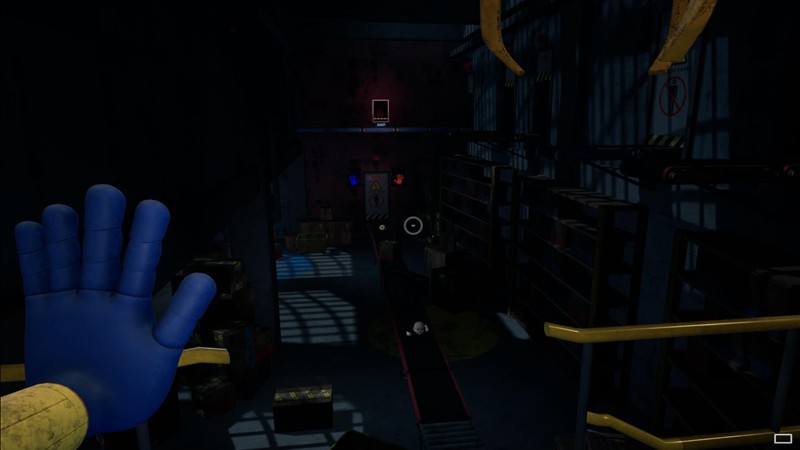

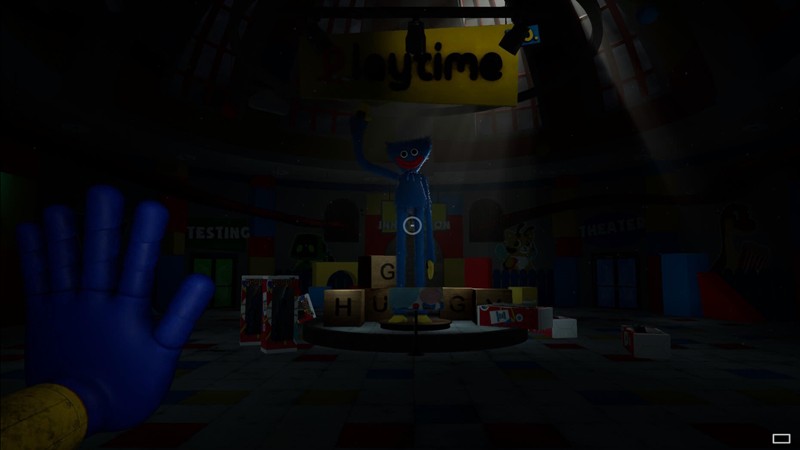
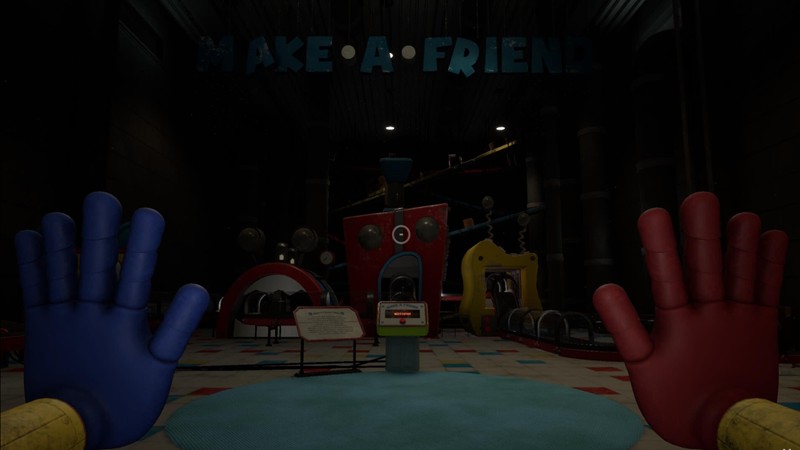
System Requirements
Minimum Requirements
OS: Windows 10 (64-bit processor and operating system)
CPU: Intel core i5 \ Intel Core 2 Dou E8400
RAM: 4-6GB
GRAPHICS: NVIDIA GeForce 510 \ (512MB of Video Ram)
STORAGE: 20GB
Recommended Requirements
OS: Windows 10(64-bit)
CPU: Intel Core i5
RAM: 8GB
GRAPHICS: NVIDIA GTX 1060 / AMD Radeon RX 580
STORAGE: 2OGB
Low-Spec Reality Check
What to consider for low-end PCs
The game may seem simple but as you play on later chapters are more demanding if your PC is 4GB RAM + Weak GPU = Playable but lagging whereas 8GB RAM + Basic GPU = Smooth Gameplay
Players on Intel HD (520/5500) & UHD (620/630) or similar Intel GPUs can manage to play it so expect 25-40FPS with tweaks on low settings but not smoothly at high setting. Newer versions of Intel (UHD/Iris) 11gen+ is preferable for smooth gameplay
Check OPTIMIZATION TIPS to know how to set the best settings for smooth game experience
Can't Run This Game? Here's What You Can Do
If your pc does not meet the requirements, too slow, crash , lags, stutter, or fail to launch. You can try other options to still enjoy similar gameplay experience.
Try This Quick Fixes And Test
– Install on SSD
– Lower to minimum graphics and resolution(1280×720) or lower
– Disable shadows and effects
– Use Safe Mode Wargaming Launcher
– Update Drivers (GPU driver, DirectX + Visual C++ redistributables
– Close all apps running in background
Other Options To Try
If Your PC can’t handle it properly, and you really want such a game experience, you could try other lighter alternatives like similar Mobile Games or try a greater option of Cloud Gaming that lets you play even games above your PC specs through stream play.
Play It On Smart Phone And Similar Mobile Phone Versions Games Like Poppy Playtime
Play Poppy Playtime through Cloud. Stream Play Other Games Through Cloud Even With Very Low End PCs
Optimization Tips
How to optimise settings for smooth gameplay
Gameplay Tips
Tips and tricks you can try while playing POPPY PLAYTIME
How To Download & Start Playing
Check different ways to access the game and choose what suits you
Official Methods
Similar Games

Granny
Free to play

Granny Escape Together
Paid: Check price
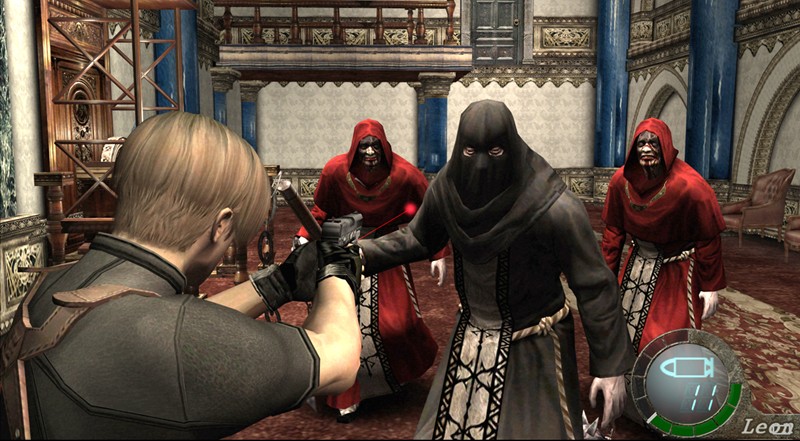
Resident Evil 4
Paid: Check price